Sharp AR-PF1 User Manual

Browse online or download User Manual for Printers Sharp AR-PF1. Sharp AR-PF1 User Manual

  • Download
  • Add to my manuals
  • Print
  • Page
    / 2
  • Table of contents
  • BOOKMARKS
  • Rated. / 5. Based on customer reviews
Page view 0
MX-M260/M310
ENHANCED MONOCHROME WORKGROUP DOCUMENT SYSTEMS
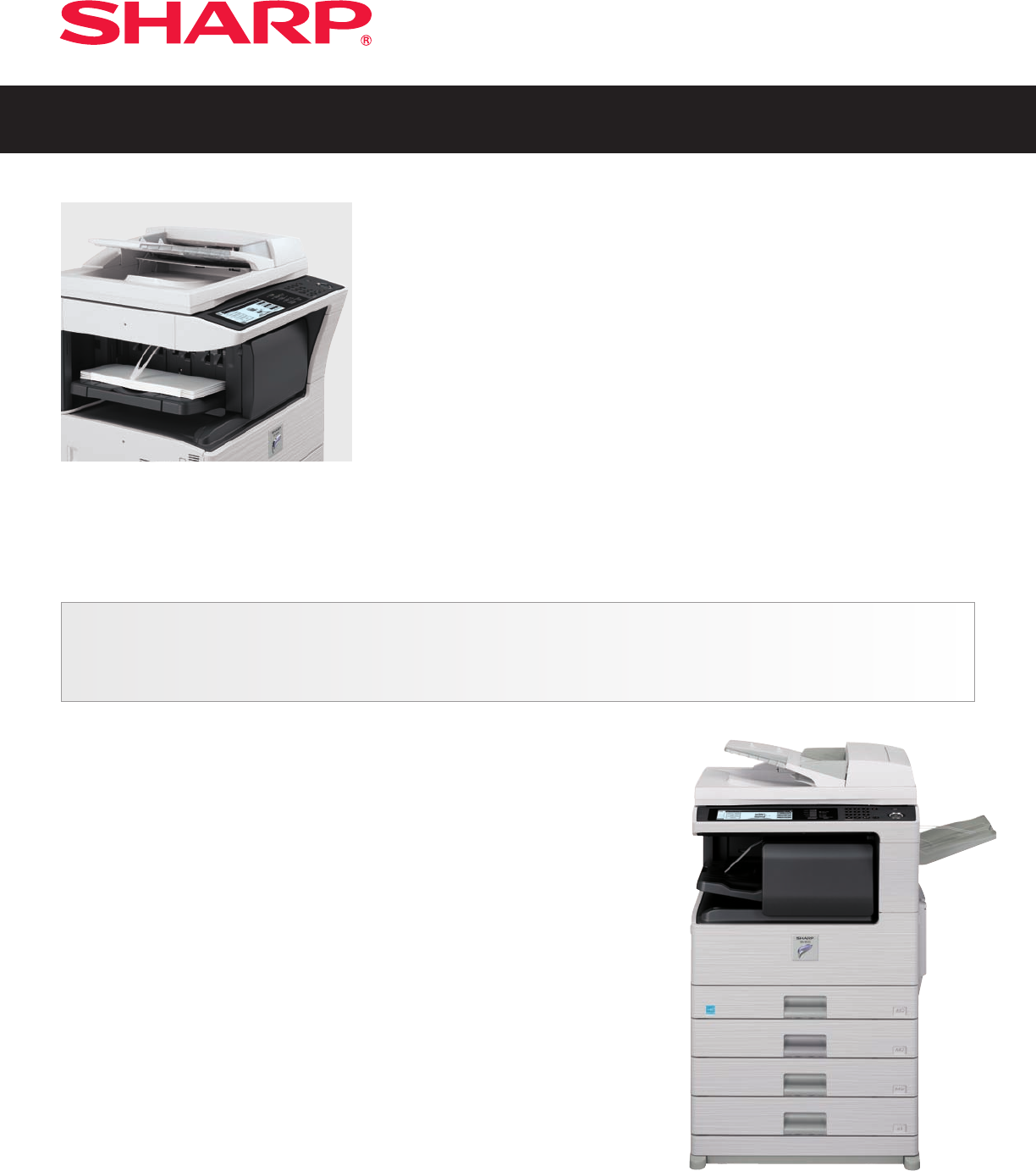
Sharp’s MX Monochrome Series workgroup Document Systems offer advanced
features to enhance productivity and improve workflow
In today’s fast-paced business environment, you need to operate at peak efficiency. And with
Sharp’s MX-M260 and MX-M310 Document Systems, you’ll be able to raise office productivity
to a whole new level. With enhanced versatility, the MX-M260/M310 Document Systems deliver
everything your business needs to get ahead offering 26/31-ppm copying and printing, convenient
networking, and integrated multifunction capabilities. These Document Systems are ideal for busy
departments and workgroups. Available features include a 100-sheet reversing document feeder,
auto duplexing, 1200 x 600 dpi (enhanced) laser output, and a large 8.1" (measured diagonally)
touch-screen LCD display that makes operation easy and intuitive. New micro-fine toner
technology offers sharp, high-quality images page after page. And best of all, the modular design
makes it easy to add functionality to adapt to your changing business needs. Optional multifunction capabilities include PCL
®
6 and Postscript
®
3™
compatible network printing, network scanning and Super G3 faxing. Embedded software delivers easy-to-use web-based management tools as
well as state-of-the-art security features that help your business protect intellectual property and meet regulatory compliance.
I Large 8.1" (measured diagonally)
touch-screen LCD display for easy operation
I 100-sheet Reversing Single Pass Feeder
I Mixed size original detection
1
I ID Card Shot feature conveniently copies
both sides of an ID card onto a single sheet
of paper
I Automatic trayless duplex copying
and printing
I Electronic sorting
I JBIG speed-enhanced PC printing system
I New micro-fine toner technology
I USB-2.0 Interface
I 1,100-sheet standard paper capacity
expandable to 2,100 sheets
I 100-sheet multi-sheet bypass tray
I Integrated Super G3 Fax Option
I Optional 500-sheet compact inner finisher
I IPv6 support and advanced network security
2
I Integrated network scanning option with
available Application Integration
I Optional Data Security Kit
I Additional features include Job Build, Stream
Feeding, Booklet Copy, Dual Page Copy,
Margin Shift, Multi-Shot Copy, 100 Department
Codes, Job Programs, Edge Erase, Image
Reversal, XY Zoom, Image Rotation
1
Detects mixed letter/legal or lateral feed letter sized originals.
2
Some features require optional equipment.
Page view 0
1 2

Summary of Contents

Page 1 - MX-M260/M310

MX-M260/M310ENHANCED MONOCHROME WORKGROUP DOCUMENT SYSTEMSSharp’s MX Monochrome Series workgroup Document Systems offer advancedfeatures to enhance pr

Page 2 - SPECIFICATIONS

MX-M260/MX-M310 SPECIFICATIONSSHARP ELECTRONICS CORPORATIONSharp Plaza, Mahwah, NJ 07495-11631-800-BE-SHARP • www.sharpusa.comDesign and specification

Comments to this Manuals

No comments

Clear Spot Apollo Quick Start manuals

Owner’s manuals and user’s guides for Accessories communication Clear Spot Apollo Quick Start.
We providing 1 pdf manuals Clear Spot Apollo Quick Start for download free by document types: User Manual


More products and manuals for Accessories communication Clear

Models Document Type
Spot 4G Apollo Users Guide User Manual   CLEAR Spot 4G Apollo Users Guide User Manual, 30 pages
Spot 4G Quick Start User Manual   CLEAR Spot 4G Quick Start User Manual, 2 pages
Spot 4G Users Guide User Manual   CLEAR Spot 4G Users Guide User Manual, 27 pages
iSpot User Manual   CLEAR iSpot User Manual, 20 pages
4G+ Personal Hotspot Quick Start User Manual   CLEAR 4G+ Personal Hotspot Quick Start User Manual, 2 pages
4G+ Personal Hotspot Users Guide User Manual   CLEAR 4G+ Personal Hotspot Users Guide User Manual, 51 pages
Rover Puck by CLEAR User Manual   CLEAR Rover Puck by CLEAR User Manual, 2 pages
Spot User Manual   CLEAR Spot User Manual, 1 pages
Stick Atlas User Manual   CLEAR Stick Atlas User Manual, 19 pages
4G Mobile USB Quick Start User Manual   CLEAR 4G Mobile USB Quick Start User Manual, 2 pages
4G Mobile USB Users Guide User Manual   CLEAR 4G Mobile USB Users Guide User Manual, 15 pages
4G+ USB S Series Quick Start User Manual   CLEAR 4G+ USB S Series Quick Start User Manual, 2 pages
4G+ USB S Series Users Guide User Manual   CLEAR 4G+ USB S Series Users Guide User Manual, 13 pages
Hub Express Quick Start User Manual   CLEAR Hub Express Quick Start User Manual, 2 pages
Hub Express Users Guide User Manual   CLEAR Hub Express Users Guide User Manual, 31 pages
PC Card User Manual   CLEAR PC Card User Manual, 20 pages
Spot Voyager User Manual   CLEAR Spot Voyager User Manual [en] , 1 pages
iSpot User Manual   CLEAR iSpot User Manual [en] , 1 pages
Stick Atlas User Manual   CLEAR Stick Atlas User Manual, 2 pages