Sharp MX-C310 User Manual Page 6

  • Download
  • Add to my manuals
  • Print
  • Page
    / 12
  • Table of contents
  • BOOKMARKS
  • Rated. / 5. Based on customer reviews
Page view 5
CLASS-LEADING COLOUR NETWORK SCANNING
Capable of handling up to 33 originals per minute, the MX-C311
and MX-C310 have very fast scan speeds. Now you can work with
documents in batches of up to 50 at time - in colour, black &
white, or a mixture of both - as easily as you’d scan a
single page.
You can scan directly into your choice of file formats, including
XPS, JPEG, TIFF, PDF and encrypted PDF, and distribute them to
your desktop, a network folder, FTP server or a standard USB
memory stick. You can also send your scans to email recipients by
making a selection from the built-in address book which, thanks
to support for LDAP Lightweight Directory Access Protocol, is
always kept up to date.
The MX-C311/MX-C310 can also be equipped with one of Sharp’s
newest scanning features: the industry’s first Business Card
Feeder*
1
. This handy add on makes it easy to scan business
cards directly to any standard business card database, using
commercially available business card scan software.
AT A GLANCE
Full colour scanning to a wide choice of destinations.
Convenient scan and store functionality - just plug a memory stick
into the USB port at the front of the MFP and start scanning.
Fast scan speeds of up to 33 originals per minute.
Automatically handles colour and/or black and white documents within
the same batch and adjusts output accordingly.
Compatible with Network TWAIN-compliant applications (pull scan).
Includes Sharpdesk™ document management software.
Lightweight Directory Access Protocol (LDAP) allows easy browsing
of e-mail addresses for rapid distribution of scanned documents, as well
as automatic synchronisation with your primary e-mail server.
Supports major file formats such as XPS, JPEG, TIFF, PDF and
encrypted PDF.
Optional business card scanning
*1
.
*
1
Requires optional MX-BTX1. Available at a later date.
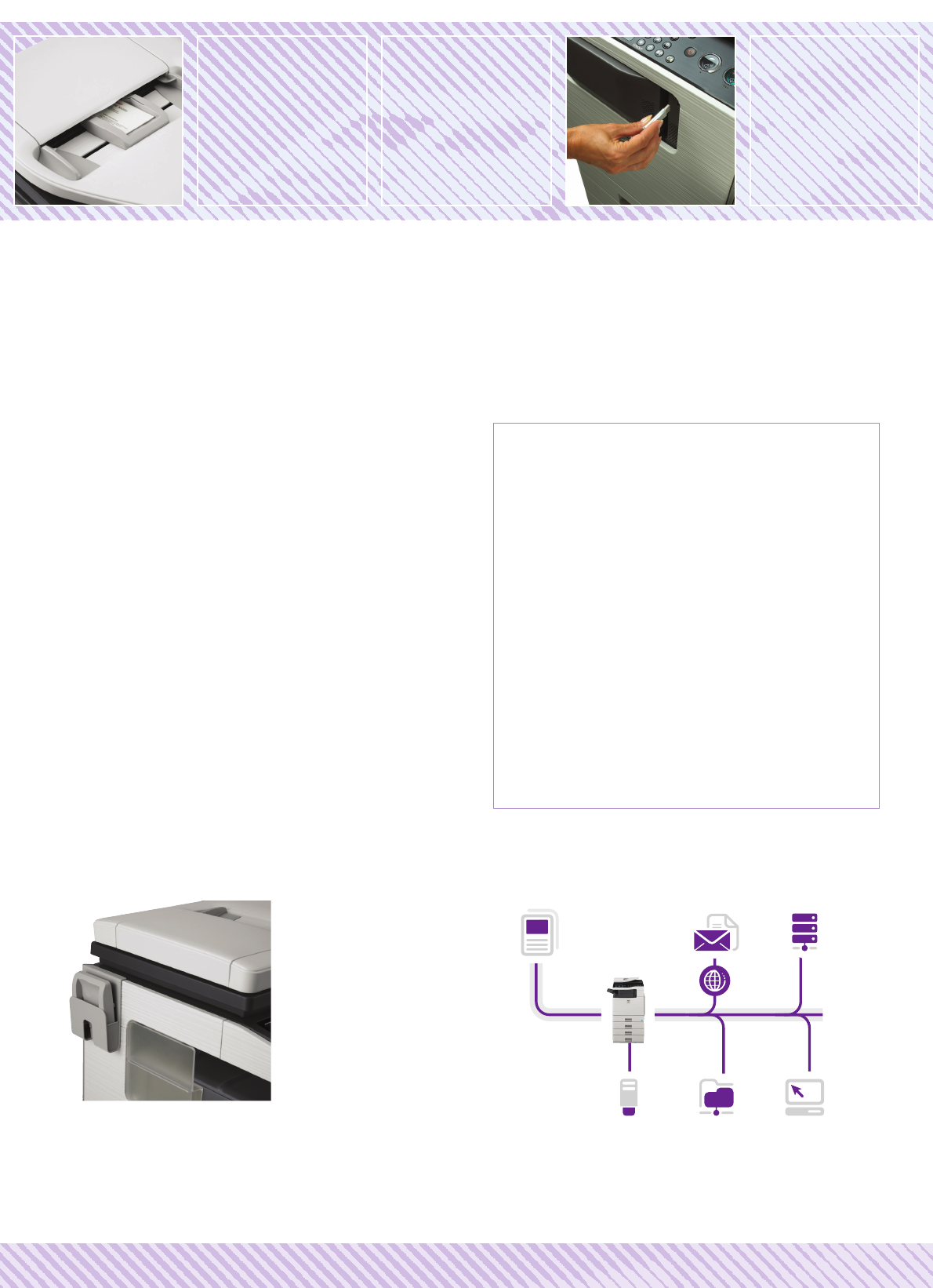
Scan Scan to Email Scan to FTP
Scan to Network
Folder (SMB)
Scan to USB
Scan to PC
BUSINESS CARD
SCANNING
OPTION
SCAN TO EMAIL,
NETWORK, PC,
FTP OR USB
MX-C311/MX-C310 - POWERFUL PERFORMANCE FEATURES
Convenient storage of Business Card Feeder
Page view 5
1 2 3 4 5 6 7 8 9 10 11 12

Comments to this Manuals

No comments

Dell 56192483 Handbücher

Bedienungsanleitungen und Benutzerhandbücher für Server Dell 56192483.
Wir stellen 1 PDF-Handbücher Dell 56192483 zum kostenlosen herunterladen nach Dokumenttypen zur Verfügung Datenblatt


Dell 56192483 Datenblatt (1 Seiten)


Marke: Dell | Kategorie: Servers | Größe: 0.11 MB |


Inhaltsverzeichnis


Weitere Produkte und Handbücher für Server Dell

Modelle Dokumententyp
57099896 Datenblatt DELL PowerEdge R320, 1 Seiten
10511100 Datenblatt   DELL PowerEdge VRTX, 1 Seiten
57099857 Datenblatt   DELL PowerEdge T620, 1 Seiten
57095344 Datenblatt   DELL PowerEdge R320, 1 Seiten
56191528 Datenblatt   DELL PowerEdge T320, 1 Seiten
56192349 Datenblatt   DELL PowerEdge T320, 1 Seiten
56192459 Datenblatt   DELL PowerEdge R210 II, 1 Seiten
56192127 Datenblatt   DELL PowerEdge R320, 1 Seiten
56192327 Datenblatt   DELL PowerEdge T110 II, 1 Seiten
R510-E111 Datenblatt   DELL PowerEdge R510, 2 Seiten
13668053 Datenblatt   DELL PowerEdge R510, 2 Seiten
1009566658886 Datenblatt   DELL PowerEdge R510, 73 Seiten
PE-R710-M211 Datenblatt     DELL PowerEdge R710, 54 Seiten
PowerEdge R210 Datenblatt   DELL PowerEdge R210, 2 Seiten
PE-T410-M211 Datenblatt   DELL PowerEdge T410, 56 Seiten
R320 Betriebsanweisung   DELL PowerEdge R320, 15 Seiten
PowerEdge T320 Bedienungshandbuch   DELL PowerEdge T320, 167 Seiten
T20 Bedienungshandbuch   DELL PowerEdge T20, 80 Seiten
R430 Bedienungshandbuch   DELL PowerEdge R430, 155 Seiten
M630P Bedienungshandbuch   DELL PowerEdge M630P, 115 Seiten