Sharp 36C230 User Manual Page 3

  • Download
  • Add to my manuals
  • Print
  • Page
    / 52
  • Table of contents
  • BOOKMARKS
  • Rated. / 5. Based on customer reviews
Page view 2
3
Dimension: 140mm x 215mm
IMPORTANT INFORMATION (Continued)
WARNING – FCC Regulations state that any unauthorized changes or modifications to this equipment not
expressly approved by the manufacturer could void the user’s authority to operate this
equipment.
PRODUCT DISPOSAL
This product utilizes a Cathode Ray Tube (CRT) containing lead and tin-lead solder.
Disposal of these materials may be regulated due to environment considerations. For disposal or
recycling information, please contact your local authorities or the Electronics Industries Alliance:
www.eiae.org
CAUTION: Do not place the AC power cord under the TV set or other heavy items.
CAUTION: Please read all of these instructions before you operate your television and save
these instructions for later use.
Electrical energy can perform many useful functions. This unit has been engineered and manufactured to assure
your personal safety. BUT IMPROPER USE CAN RESULT IN POTENTIAL ELECTRICAL SHOCK OR FIRE
HAZARDS. In order not to defeat the safeguards incorporated in this equipment, observe the following basic
rules for its installation, use and servicing.
1. Unplug this television equipment from the wall outlet before cleaning.
2. Do not use liquid cleaners or aerosol cleaners. Use a damp cloth for cleaning.
3. Do not use attachments not recommended by the television equipment manufacturer as they may cause
hazards.
4. Do not use this television equipment near water — for example, near a bath tub, washbowl, kitchen sink or
laundry tub, in a wet basement, or near a swimming pool, etc.
5. Do not place this equipment on an unstable cart, stand, or table. The television equipment may fall, causing
serious injury to a child or an adult, and serious damage to the equipment. Use only with a cart or stand
recommended by the manufacturer or sold with the television equipment.
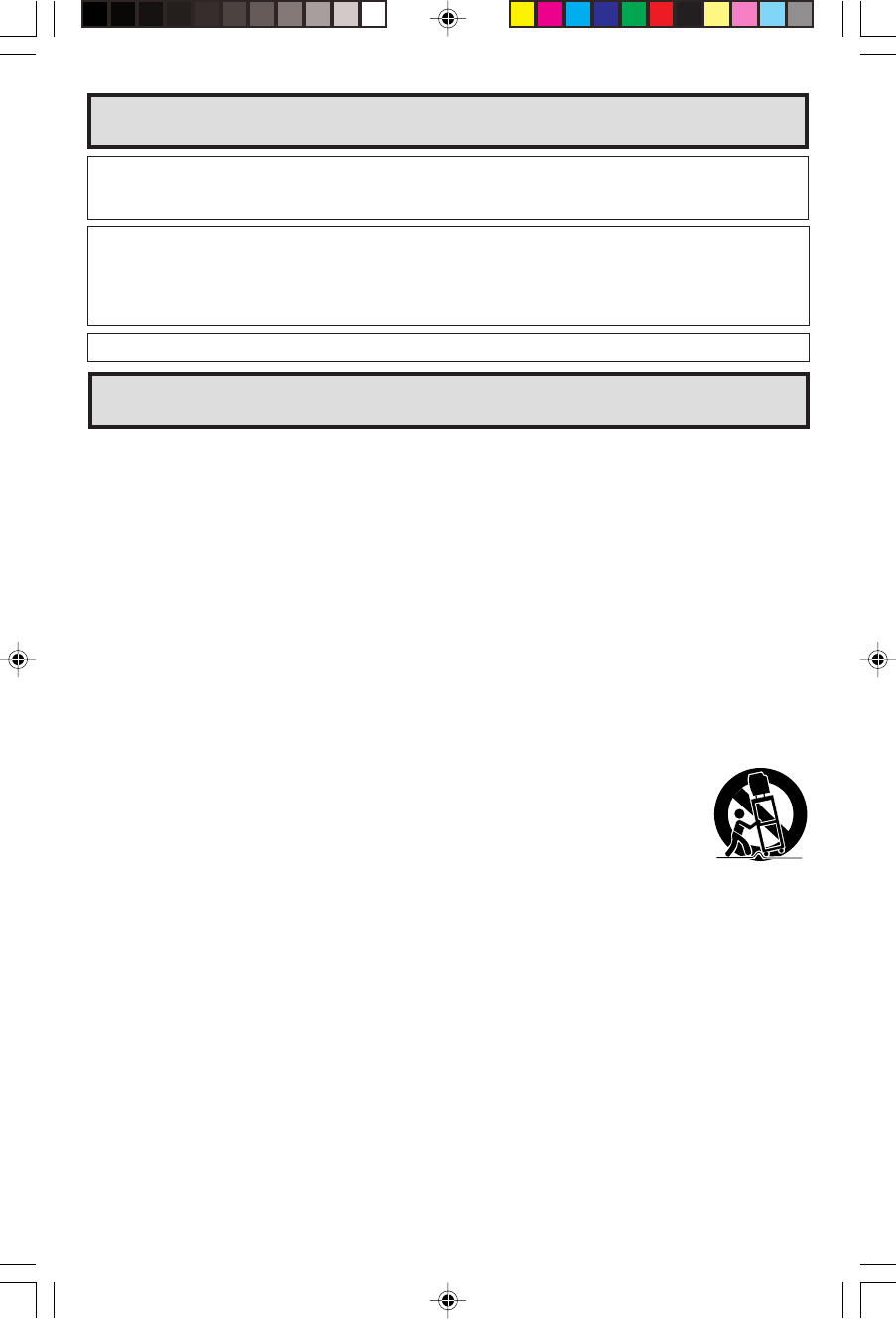
6. Television equipment and cart combination should be moved with care. Quick stops,
excessive force, and uneven surfaces may cause the equipment and cart combination to
overturn.
7. Wall or shelf mounting should follow the manufacturer’s instructions, and should use a
mounting kit approved by the manufacturer.
8. Slots and openings in the cabinet and the back or bottom are provided for ventilation. To
insure reliable operation of the television equipment and to protect it from overheating, these openings must
not be blocked or covered. This television equipment should not be placed in a built-in insulation such as a
bookcase unless proper ventilation is provided.
9. The openings should never be covered with a cloth or other material, and the bottom openings should not
be blocked by placing the television equipment on a bed, sofa, rug, or other similar surface. This television
equipment should never be placed near or over a radiator or heat register.
10. This television equipment should be operated only from the type of power source indicated on the marking
label. If you are not sure of the type of power supplied to your home, consult your television dealer or local
power company.
For television equipment designed to operate from battery power, refer to the operating instructions.
11. As a safety feature, television equipment is equipped with a 2-wire polarized plug (one plug blade bigger
than the other). The 2-wire polarized plug will fit only one way into the power outlet.
If the plug does not fit, ask your electrician to replace your obsolete outlet. Do not modify the plug and defeat
this safety feature.
12. Do not allow anything to rest on the power cord. Do not locate this television equipment where the cord will
be abused by persons walking on it.
IMPORTANT SAFEGUARDS
32C231(01-04) 3/27/03, 11:13 AM3
Page view 2
1 2 3 4 5 6 7 8 ... 51 52

Comments to this Manuals

No comments

ViewSonic PJ759 - 63 Tft LCD Projector Handbücher

Bedienungsanleitungen und Benutzerhandbücher für Datenprojektoren ViewSonic PJ759 - 63 Tft LCD Projector.
Wir stellen 1 PDF-Handbücher ViewSonic PJ759 - 63 Tft LCD Projector zum kostenlosen herunterladen nach Dokumenttypen zur Verfügung Betriebsanweisung


Weitere Produkte und Handbücher für Datenprojektoren ViewSonic

Modelle Dokumententyp
PJD5123 Betriebsanweisung   ViewSonic PJD5123 User guide, 53 Seiten
PJD6543w Betriebsanweisung   ViewSonic PJD6543w User guide, 90 Seiten
PJD5112 - s SVGA DLP Projector Betriebsanweisung   ViewSonic PJD5112 - s SVGA DLP Projector User guide, 43 Seiten
PJ400-2 Spezifikationen   ViewSonic PJ400-2 Product specifications, 61 Seiten
VP730 Bedienungsanleitung   ViewSonic VP730 User manual [en] , 68 Seiten
VS11935 Betriebsanweisung   ViewSonic VS11935 User guide, 36 Seiten
PJ359 Betriebsanweisung   ViewSonic PJ359 User guide, 72 Seiten
PJL7201 Betriebsanweisung   ViewSonic PJL7201 User guide, 73 Seiten
PJ560DC Betriebsanweisung   ViewSonic PJ560DC User guide, 36 Seiten
PJD5231 Betriebsanweisung   ViewSonic PJD5231 User guide [en] , 69 Seiten
DLP PROJECTOR PJD7400 Betriebsanweisung   ViewSonic DLP PROJECTOR PJD7400 User guide, 82 Seiten
PJD6211P Betriebsanweisung   ViewSonic PJD6211P User guide, 42 Seiten
PJ557D - XGA DLP Projector Betriebsanweisung   ViewSonic PJ557D - XGA DLP Projector User guide, 36 Seiten
Pro8520HD Betriebsanweisung   ViewSonic Pro8520HD User guide, 68 Seiten
VS11481 Betriebsanweisung   ViewSonic VS11481 User guide, 19 Seiten
PJ359w - WXGA LCD Projector Betriebsanweisung   ViewSonic PJ359w - WXGA LCD Projector User guide, 72 Seiten
PJ458D - XGA DLP Projector Betriebsanweisung   ViewSonic PJ458D - XGA DLP Projector User guide [en] , 44 Seiten
PJD7820HD Betriebsanweisung   ViewSonic PJD7820HD User guide, 84 Seiten
PJD7383 Betriebsanweisung   ViewSonic PJD7383 User guide, 95 Seiten
PJ558D DLP Projector VS11529 Betriebsanweisung   ViewSonic PJ558D DLP Projector VS11529 User guide, 43 Seiten