Sharp 32C230 User Manual Page 29
- Page / 52
- Table of contents
- BOOKMARKS

- COLOR TELEVISION 1
- IMPORTANT INFORMATION 2
- IMPORTANT SAFEGUARDS 3
- (Continued) 4
- Supplied Accessories 5
- Antenna Connections 5
- CABLE TV (CATV) CONNECTION 6
- OUTDOOR ANTENNA CONNECTION 6
- Part Names 7
- EZ SETUP during First Use 8
- Demo Mode 9
- Sleep Timer 10
- Language 10
- Video Adjust 11
- Audio Select 12
- Audio Select (Continued) 13
- Closed Caption 14
- L V-CHIP 15
- [1] MPAA RATING 17
- How to set V-CHIP 17
- [2] TV GUIDELINES 18
- PL AESE AWTI 19
- NOW DOWNLOADI 19
- V– CH I P DATA 19
- Activating the V-CHIP BLOCK 21
- 2 Press and hold both VOL 22
- Parent Control (VIEW TIMER) 23
- Energy Save 26
- CABLE STD 28
- CABLE HRC CABLE IRC 28
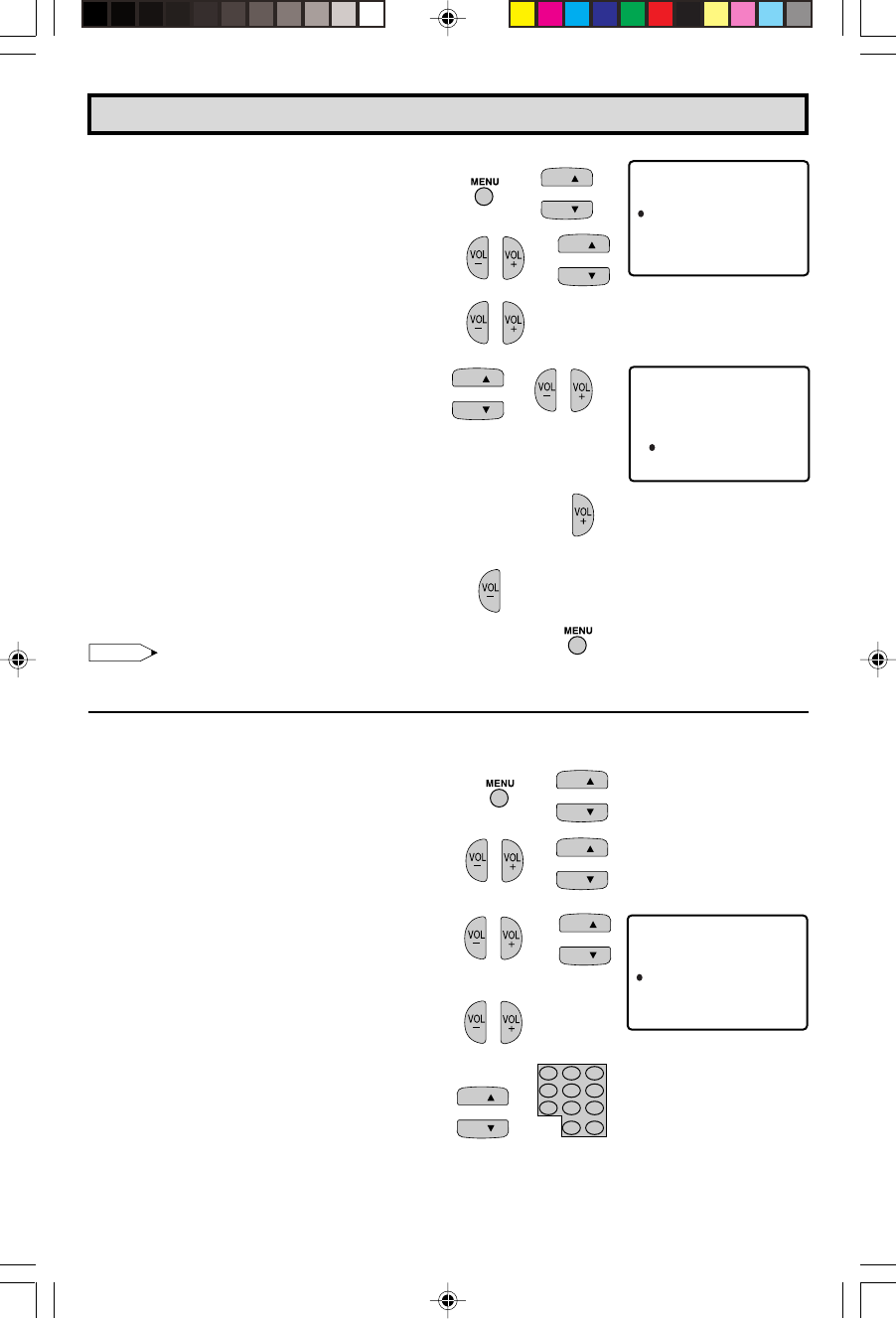
- Set Up (Continued) 29
- Auto Input 32
- CH/Input ID 33
- CH/Input ID (Continued) 34
- Screen Format 35
- VIDEO EQUIPMENT 36
- B and PR terminals 37
- QUICK SERVICE 38
- CHECK LIST 38
- Specifications 39
- INFORMACIÓN IMPORTANTE 40
- (Continuación) 41
- Panel Delantero 43
- LISTA DE 44
- COMPROBACIONES 44
- DE SERVICIO 44
- INFORMATIONS IMPORTANTES 45
- PRÉCAUTIONS IMPORTANTES 46
- (Suite) 47
- Nomenclature (FRANÇAIS) 48
- LISTE DES 49
- VÉRIFICATIONS 49
- DÉPANNAGE 49
- Limited Warranty 50
- Dimension: 140mm x 215mm 51
- SHARP ELECTRONICS CORPORATION 52
Related products and manuals for Televisions Sharp 32C230
 (60 pages)
(76 pages)
(59 pages)
(48 pages)
(58 pages)
(36 pages)
(39 pages)
(48 pages)
(102 pages)
(47 pages)
(60 pages)
(60 pages)
(40 pages)
(48 pages)
Trust 14192 Handbücher
Bedienungsanleitungen und Benutzerhandbücher für Lautsprecher Trust 14192.
Wir stellen 1 PDF-Handbücher Trust 14192 zum kostenlosen herunterladen nach Dokumenttypen zur Verfügung Datenblatt

Inhaltsverzeichnis
Weitere Produkte und Handbücher für Lautsprecher Trust
| Modelle | Dokumententyp |
|---|---|
| 15410 |
Datenblatt
      Trust 2.1 Speaker Set SP-3920,
2 Seiten |
| 15011 |
Datenblatt
Trust 5.1 Surround Speaker Set SP-6210 UK,
1 Seiten
|
| 14567 |
Datenblatt
Trust 5.1 Surround Speaker Set SP-6400M UK,
1 Seiten
|
| Vintori |
Installationsanleitung
 Trust Vintori,
87 Seiten |
| Conva |
Installationsanleitung
 Trust Conva,
2 Seiten |
| Pulsion |
Installationsanleitung
Trust Pulsion [en] ,
1 Seiten
|
| 18279 |
Installationsanleitung
 Trust 18279 loudspeaker,
2 Seiten |
| 14716 |
Datenblatt
Trust 2.1 MP3 Speaker Set SP-3550B UK,
1 Seiten
|
| MiDo 2.1 |
Bedienerhandbuch
Trust MiDo 2.1,
2 Seiten
|
| Universe | Bedienungsanleitung Trust Universe, 1 Seiten |
| SP-2350S UK |
Handbuch
 Trust SP-2350S UK,
10 Seiten |
| SoundForce 2.1 QuickSilver |
Bedienerhandbuch
Trust SoundForce 2.1 QuickSilver,
2 Seiten
|
| Cone Portable Notebook Speakers |
Installationsanleitung
Trust Cone Portable Notebook Speakers,
1 Seiten
|
| Sphere Notebook Speaker |
Installationsanleitung
Trust Sphere Notebook Speaker,
1 Seiten
|
| MiDo 2.1 Speaker Set |
Bedienerhandbuch
Trust MiDo 2.1 Speaker Set,
2 Seiten
|
| Wave 2.1 |
Installationsanleitung
Trust Wave 2.1,
1 Seiten
|
| Pulsion XL 2.0 |
Installationsanleitung
Trust Pulsion XL,
1 Seiten
|
| SoundForce Presto | Bedienungsanleitung Trust SoundForce Presto, 1 Seiten |
| SoundForce 2.1 | Bedienungsanleitung Trust SoundForce 2.1, 1 Seiten |
| Soundforce | Bedienungsanleitung Trust Soundforce, 1 Seiten |
© 2020, manymanuals.com. All rights reserved. | 0.017 s |
 Manymanuals.com
 Manymanuals.de
 Manymanuals.fr
 Manymanuals.it
 Manymanuals.pl
 Manymanuals.cz
 Manymanuals.es
 Manymanuals-pt.com
Comments to this Manuals