Laid out 4-in-1 on each page
Saddle stitch
Breakdown
Scanned via
DSPF
Each page is output in original page order
Booklet
Scan direction
51
CPM
PPM
MX-5111N
41
CPM
PPM
MX-4111N
Full-colour stamp Greyscale watermark
TOP SECRET
: Copy : Print : Scan
Auto Colour Mode
Auto recognition
Copy
Original
Exotic Tropical Vacations
Imagine that you are sitting by the
beach, enjoying the sun and a fruit
drink in your hand. You would
probably think of an exotic tropical
vacation with loads of fun and
excitement. Even just the thought of
it feels so relaxing, how much more
when you are actually there. So,
why wait any further? Start
planning your next vacation in one
of the many tropical getaways.
Here are some of the things that you can do while you are on a tropical vacation. You can bask
under the sun while lying in a hammock, sipping fruit juice from a coconut shell and enjoying
the breath taking view of the sea. is way, you can experience the slow and easygoing life
relieving all the stress from your mind and body.
Exotic Tropical Vacations
Imagine that you are sitting by the
beach, enjoying the sun and a fruit
drink in your hand. You would
probably think of an exotic tropical
vacation with loads of fun and
excitement. Even just the thought of
it feels so relaxing, how much more
when you are actually there. So,
why wait any further? Start
planning your next vacation in one
of the many tropical getaways.
Here are some of the things that you can do while you are on a tropical vacation. You can bask
under the sun while lying in a hammock, sipping fruit juice from a coconut shell and enjoying
the breath taking view of the sea. is way, you can experience the slow and easygoing life
relieving all the stress from your mind and body.
Text comes out crisp and clear,
and unnecessary background
colour is automatically removed
TEXT PHOTO
Paper feeding
Scan
Paper for printing
Image
User specifies
position
Image is printed onto
specified position
Network folderUSB memory
FTP server
Copy/print
Original
Document is printed
(main job)
Same document
sent via fax
Same document
sent via e-mail
Copy + send
Print + send
Fax
E-mail
3 4
A Range of Copy/Print Applications
Multi Shot and Booklet Making
Thanks to Multi Shot, two to eight pages of a multi-page
document can be copied and up to 16 pages can be printed onto
a single sheet, reducing paper use. With the optional Saddle Stitch
Finisher, multiple sheets can be automatically centre-stapled
together to make booklets.
Speedy Document Feeding
The MX-5111N/4111N comes standard with a highly efficient
150-sheet DSPF (duplex single pass feeder), which scans both
pages of two-sided documents up to A3 in size in one pass. Doing
away with the reversing circuit minimises paper misfeeds and vastly
improves reliability. With a scanning speed of 75 originals per
minute* (opm) for both two-sided and one-sided originals, the
MX-5111N/4111N finishes even large projects quickly.
* When feeding A4 sheets in B/W
Supports Most Office Environments
• The MX-5111N/4111N works with the latest and most
commonly used versions of Windows
®
, Windows Server
®
, and
Mac operating systems and network protocols—including
IPv6—even in mixed OS environments. You get fast, powerful
network printing via the 1000Base-T Gigabit Ethernet standard.
• The MX-5111N/4111N supports the PCL6 printer language. For
compatibility with PostScript 3, the MX-PK11 PS3 Expansion Kit
is available.
COPYING & NETWORK PRINTING
PRODUCTIVE
Improved Imaging System
Sharp thoroughly revamped its imaging process for the
MX-5111N/4111N; now a high-performance processor, a new
developer, and the second-generation high-grade toner
combine to provide breathtaking image quality. The new toner
expands the colour reproducibility range for a more natural
rendering of clear blue skies, emerald green oceans, and other
colour images. The smaller particle size of the toner and the
developer allows for reduced graininess and clear reproduction of
fine lines, fine text, and halftone colours.
Easy, High-Quality Copying
Auto Colour Selection automatically determines whether a page
is colour or B/W and selects the appropriate copy mode for that
page. Auto Colour Mode analyses the contents of each page,
distinguishing between different components, such as photos and
text. These two functions allow the MX-5111N/4111N to print out
maps with crisp, clear text and to automatically remove
unnecessary background colour from newspaper and magazine
copies for clearer output.
High-Resolution Output
The MX-5111N/4111N delivers 600-dpi copying and razor-
sharp 1,200-dpi printing—without sacrificing output speed. Digital
smoothing technology enhances the print and copy resolution to
the equivalent of 9,600 x 600 dpi for incredibly smooth
reproduction of fine lines. Fine-grained photographs, detailed
illustrations and graphs, and small text come out crisp and clear.
• Tab Copy / Tab Print can copy or print directly onto tabs on
document separators and insert them into assigned positions.
• Card Shot enables one-touch copying of both sides of a card
(credit cards, ID cards, etc.) onto a single page.
• Carbon Copy Print mode automatically outputs multiple
printouts of the same data on plain and/or coloured paper;
convenient for invoices and purchase orders.
• Form Overlay can store office document formatting such as
letterheads and overlay contents in colour, eliminating the need
for pre-printed paper.
• Barcode font compatibility (requires optional MX-PF10)
• Colour Stamp labels your copies with page numbers, the date
or text such as “Urgent” in up to four different colours.
• Book Copy is convenient for compiling copies of a book or
bound originals into pamphlet format.
• Multi-Page Enlargement divides an image onto separate
sheets for making posters up to A0 x 2 in size.
SUPERB IMAGE QUALITY
Simultaneous Job Processing
The MX-5111N/4111N makes it easy to simultaneously carry out
multiple jobs. Scanned documents can be copied and e-mailed at
the same time. Also documents can be simultaneously printed and
faxed for ultra-convenient multitasking.
VERSATILE OPERATION
Book Divide
When copying or scanning a booklet or book, the Book Divide
function separates the right and left (or the top and bottom) of a
two-page spread and outputs each page in the original page order.
Layout Print
This function repeats an entire page layout as a single image. The
user can specify whether or not to repeat the first page (cover
page) of the document.
Image Positioning
With this function, a scanned image, such as a photo or an
illustration, can be copied onto another document in a position
specified by the user. The output can be confirmed beforehand
using the Advanced Preview function on the LCD.
Repeat Layout
Upgraded from the conventional Photo Repeat function, this
function can repeat an entire page layout as a single image onto a
single sheet.
Auto Zoom for Irregular-Size Originals
With Auto Zoom, after the user specifies the required finished size
of a copy, the MX-5111N/4111N will automatically calculate the
appropriate ratio by which to reduce or enlarge an irregular-size
original.
Large Paper Capacity
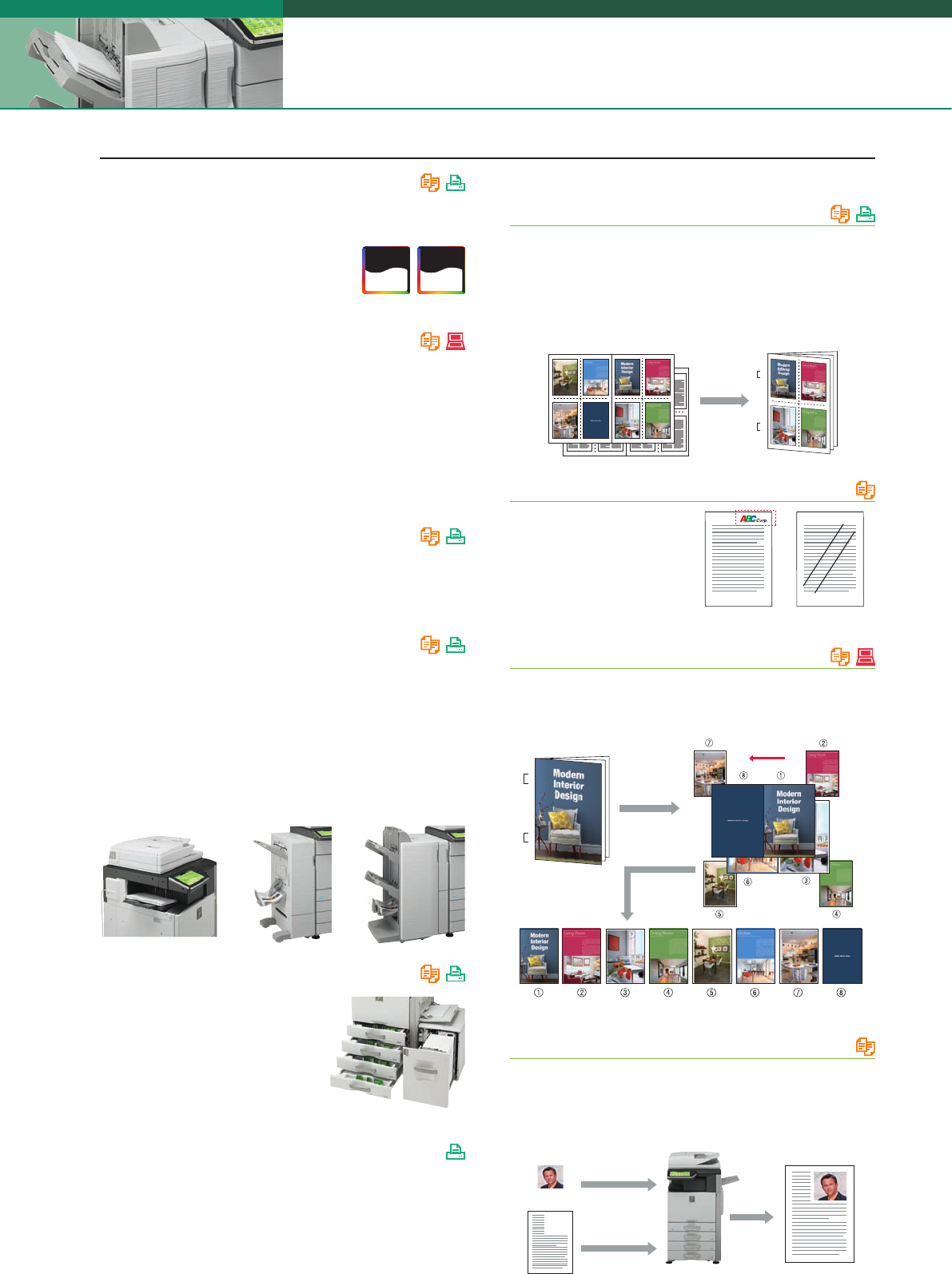
An optional 3,500-sheet large-capacity tray
is available for high-volume work, bringing
the total paper capacity to 5,600 sheets.
For extra-large-volume jobs, the Auto
Tray Switching function automatically
switches to another tray filled with
same-size paper.
Custom Images
Customised images prepared by
the user, such as a company
logo stamp or a “TOP SECRET”
watermark, can be used on
copies.
Direct Printing*
1
The MX-5111N/4111N can print PDF*
2
, TIFF, JPEG, and XPS*
3
files
without using the printer driver. There is also a USB port beneath
its control panel, which comes in handy when printing data
directly from USB memory devices—an indispensable function for
users who are in a hurry or who want quick machine access
without a PC.
*1: Direct printing may not support all PDF, TIFF, JPEG, and XPS formats. *2: Direct PDF
printing requires optional MX-PK11. *3: Direct XPS printing requires optional MX-PUX1
and MX-ARSM10.
Automated Finishing
The MX-5111N/4111N offers plenty of finishing options to suit a
variety of workplaces and applications. Both a space-efficient
Finisher and a 4,000-sheet Finisher option are available for
sorting and stapling. The Saddle Stitch Finisher option for
stapling documents up to 50 sheets can also fold and staple sets
of documents up to 15 sheets to make completed booklets.
Another Saddle Stitch Finisher handles A3W paper with ease. Also
the Punch Module option punches holes in documents for easy
filing.
Super-Efficient Colour and B/W Output
The MX-5111N/4111N delivers a fast output of 51/41 cpm/ppm*
in B/W and in full colour. The first copy comes out in just 4.1/4.7
seconds in B/W and 5.7/6.7 seconds in full
colour to save valuable time when performing
multiple short-run jobs.
* A4, long-edge feeding
Other Key Features
Built-In Stackless Duplex Module
The MX-5111N/4111N can make two-sided copies and
printouts using its built-in stackless duplex module, effectively
reducing paper costs as well as saving filing space.

 (91 pages)

 (108 pages)
 (91 pages)
 Manymanuals.com
 Manymanuals.de
 Manymanuals.fr
 Manymanuals.it
 Manymanuals.pl
 Manymanuals.cz
 Manymanuals.es
 Manymanuals-pt.com
Comments to this Manuals