Sharp R-414HS Specifications Page 16

  • Download
  • Add to my manuals
  • Print
  • Page
    / 24
  • Table of contents
  • BOOKMARKS
  • Rated. / 5. Based on customer reviews
Page view 15
14
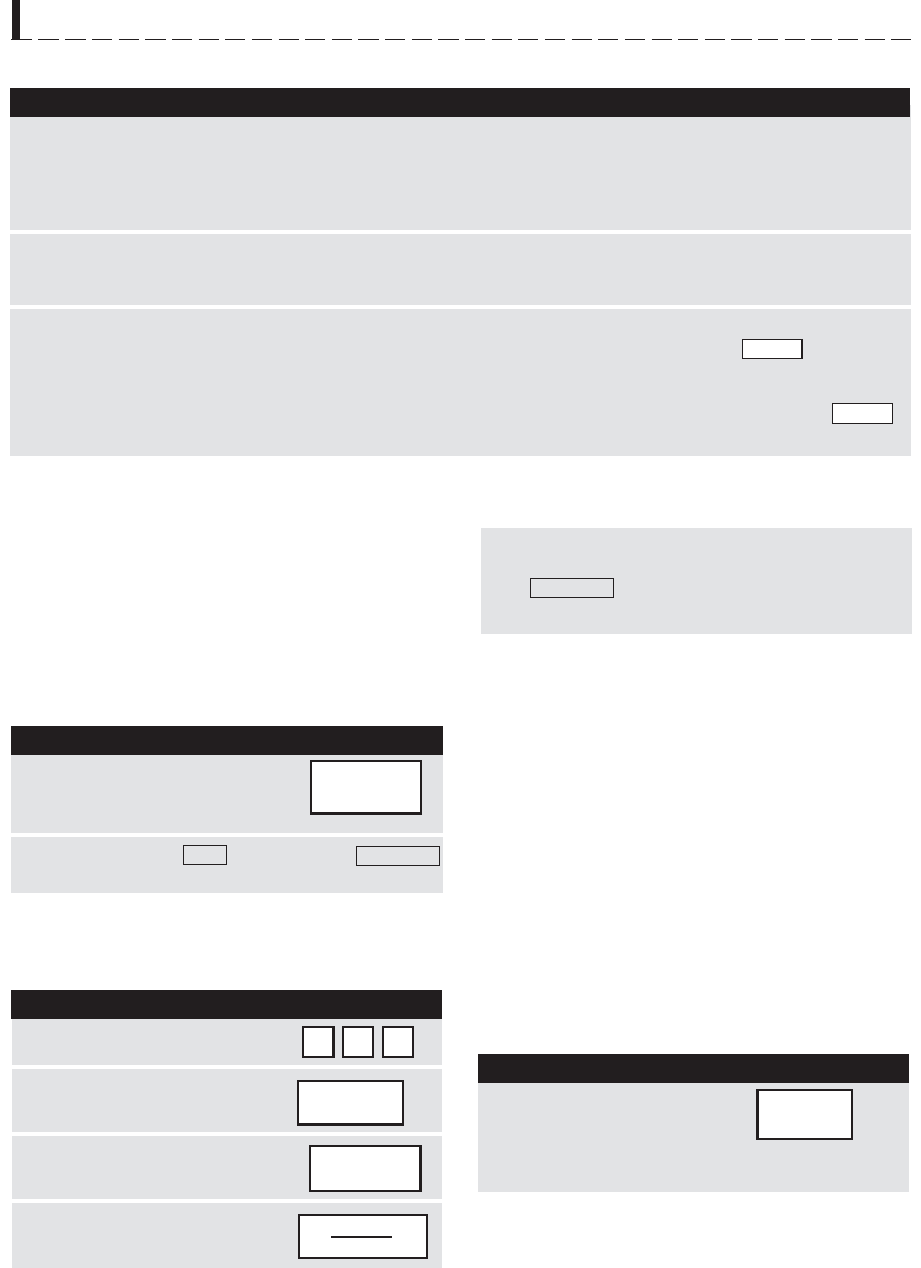
REHEAT CHART
(continued)
FOOD
AMOUNT
PROCEDURE
SPECIAL FEATURES
7. Frozen
Rolls/
Muffins
1-8
6. Fresh
Rolls/
Muffins
1-8
KEEP WARM
Keep Warm allows you to keep food warm for 15
minutes.
To use, simply touch the KEEP WARM pad. You can
also program Keep Warm with manual cooking to keep
food warm continuously after cooking.
DIRECT USE
Suppose you want to keep a cup of soup warm for
15 minutes.
PROCEDURE
Touch KEEP WARM pad.
Close the door and touch
START/MINUTE PLUS pad.
The display will show
15.00
and count down.
KEEP WARM
will appear in the display every 10 seconds.
Suppose you want to cook a cup of soup for 2 minutes
at 70% and keep the soup warm for 15 minutes.
The operation will start. When the cooking time is
complete, a long tone will sound and Keep Warm will
start.
KEEP WARM
will appear in the display every 10
seconds and count down for 15 minutes.
WITH MANUAL COOKING
KEEP
WARM
8. Canned
Vegetables
1 cup cooked veg.
or 1 (8 oz.) can veg.
1 3/4 cups cooked veg.
or 1 (15 oz.) can veg.
PROCEDURE
1
Enter cooking time.
2
Touch POWER LEVEL pad
4 times for 70% power.
2 0 0
POWER
LEVEL
x 4
3
Touch KEEP WARM pad.
HOT WATER
Hot Water heats 1 to 6 cups of tap water to prepare
coffee, tea, bouillon and instant soup as well as heat
the water to cook pasta. When preparing individual
cups, place instant coffee, tea or bouillon in cup and
stir before heating. Allow to stand 20 seconds after
heating before stirring and drinking. Stir carefully
after removing from the oven. When heating 6 cups of
water, place in large casserole and cover with lid or
plastic wrap. When oven signals, add pasta and continue
cooking according to package directions. Touch HOT
WATER pad once for each cup up to 6.
Suppose you want to heat 3 cups of water.
PROCEDURE
Touch HOT WATER pad
3 times. Close the door
and touch START/
MINUTE PLUS pad.
x 3
HOT
WATER
4
Close the door and touch
START/MINUTE PLUS pad.
START
MINUTE PLUS
KEEP
WARM
Use this setting to warm rolls, muffins, biscuits, bagels etc. Large items
should be considered as 2 or 3 regular size. Arrange on plate; cover
with paper towel. For refrigerated rolls or muffins, it may be necessary
to double the entered amount to ensure the proper serving temperature.
For example, enter quantity of 2 for 1 refrigerated muffin.
Use this setting to warm frozen rolls, muffins, biscuits, bagels, etc.
Large items should be considered as 2 or 3 regular size. Arrange on
plate, cover with paper towel.
For 1 (8 oz.) can of vegetables, add 1 tablespoon of liquid from the can.
Touch REHEAT CENTER and the number pad 8. will appear
in the display.
For 1 (15 oz.) can of vegetables, add 2 tablespoons of liquid from the
can. Touch REHEAT CENTER and the number pad 8 twice.
will appear in the display.
8
15
NOTE:
Keep Warm cannot be programmed with SPECIAL
FEATURES.
1.414HS #335 2/21/03, 2:12 PM14
Page view 15
1 2 ... 11 12 13 14 15 16 17 18 19 20 21 22 23 24

Comments to this Manuals

No comments

Dell 56192483 Handbücher

Bedienungsanleitungen und Benutzerhandbücher für Server Dell 56192483.
Wir stellen 1 PDF-Handbücher Dell 56192483 zum kostenlosen herunterladen nach Dokumenttypen zur Verfügung Datenblatt


Dell 56192483 Datenblatt (1 Seiten)


Marke: Dell | Kategorie: Servers | Größe: 0.11 MB |


Inhaltsverzeichnis


Weitere Produkte und Handbücher für Server Dell

Modelle Dokumententyp
57099896 Datenblatt DELL PowerEdge R320, 1 Seiten
10511100 Datenblatt   DELL PowerEdge VRTX, 1 Seiten
57099857 Datenblatt   DELL PowerEdge T620, 1 Seiten
57095344 Datenblatt   DELL PowerEdge R320, 1 Seiten
56191528 Datenblatt   DELL PowerEdge T320, 1 Seiten
56192349 Datenblatt   DELL PowerEdge T320, 1 Seiten
56192459 Datenblatt   DELL PowerEdge R210 II, 1 Seiten
56192127 Datenblatt   DELL PowerEdge R320, 1 Seiten
56192327 Datenblatt   DELL PowerEdge T110 II, 1 Seiten
R510-E111 Datenblatt   DELL PowerEdge R510, 2 Seiten
13668053 Datenblatt   DELL PowerEdge R510, 2 Seiten
1009566658886 Datenblatt   DELL PowerEdge R510, 73 Seiten
PE-R710-M211 Datenblatt     DELL PowerEdge R710, 54 Seiten
PowerEdge R210 Datenblatt   DELL PowerEdge R210, 2 Seiten
PE-T410-M211 Datenblatt   DELL PowerEdge T410, 56 Seiten
R320 Betriebsanweisung   DELL PowerEdge R320, 15 Seiten
PowerEdge T320 Bedienungshandbuch   DELL PowerEdge T320, 167 Seiten
T20 Bedienungshandbuch   DELL PowerEdge T20, 80 Seiten
R430 Bedienungshandbuch   DELL PowerEdge R430, 155 Seiten
M630P Bedienungshandbuch   DELL PowerEdge M630P, 115 Seiten