Sharp HW Specifications Page 11
- Page / 20
- Table of contents
- BOOKMARKS

- CONTENTS 1
- PRECAUTIONS TO AVOID POSSIBLE 2
- EXPOSURE TO EXCESSIVE 2
- MICROWAVE ENERGY 2
- CONSUMER LIMITED WARRANTY 3
- PRODUCT INFORMATION CARD 3
- SAVE THESE 4
- INSTRUCTIONS 4
- GROUNDING INSTRUCTIONS 5
- INFORMATION YOU NEED TO KNOW 6
- PART NAMES 10
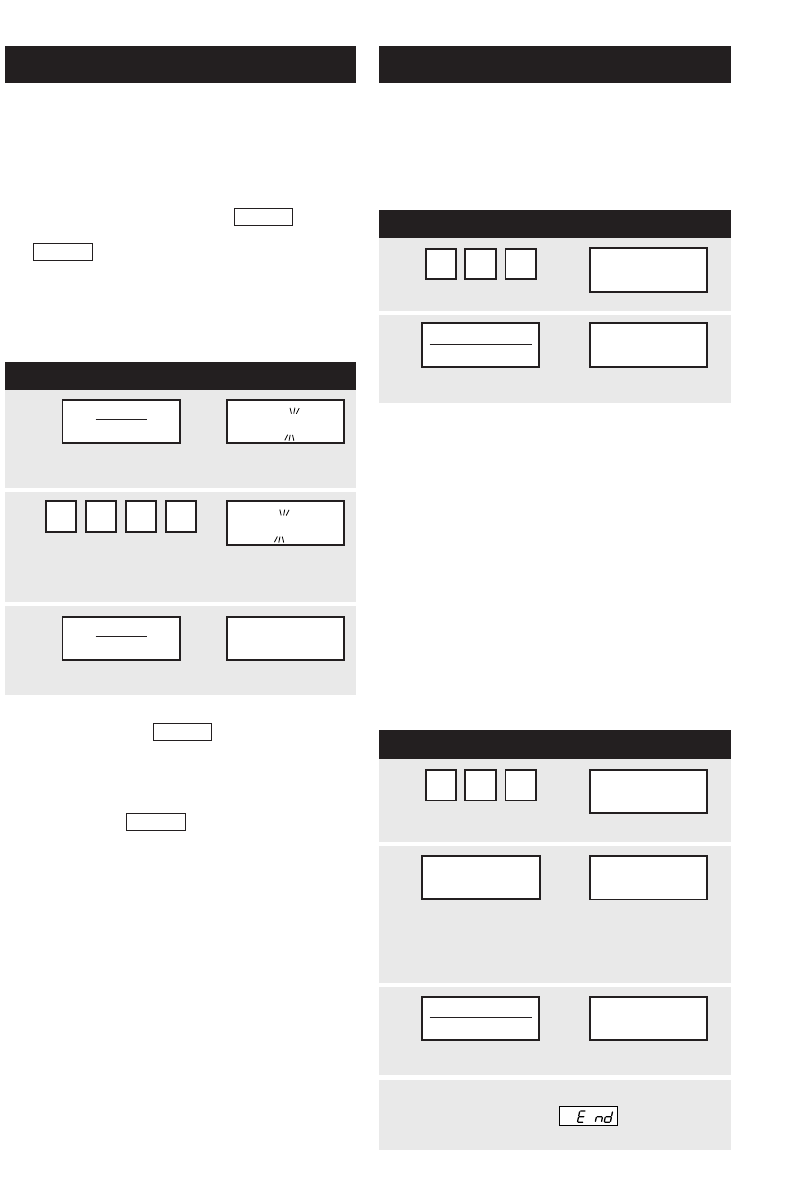
- BEFORE OPERATING 11
- MANUAL OPERATION 11
- SPECIAL FEATURES 12
- OTHER CONVENIENT FEATURES 14
- CLEANING AND CARE 16
- SPECIFICATIONS 17
- SERVICE CALL CHECK 17
- COOKING REFERENCE 18
- THE ULTIMATE ACCESSORY 18
- GUIA AUTO-TOUCH 19
- AUTO-TOUCH GUIDE 20
Related products and manuals for Microwaves Sharp HW
 (32 pages)
(1 pages)
(62 pages)
(44 pages)
(1 pages)
(20 pages)
(2 pages)
(2 pages)
 (28 pages)
(44 pages)
(47 pages)
(44 pages)
(72 pages)
(48 pages)
(40 pages)
(16 pages)
(54 pages)
Trust 14192 Handbücher
Bedienungsanleitungen und Benutzerhandbücher für Lautsprecher Trust 14192.
Wir stellen 1 PDF-Handbücher Trust 14192 zum kostenlosen herunterladen nach Dokumenttypen zur Verfügung Datenblatt

Inhaltsverzeichnis
Weitere Produkte und Handbücher für Lautsprecher Trust
| Modelle | Dokumententyp |
|---|---|
| 15410 |
Datenblatt
      Trust 2.1 Speaker Set SP-3920,
2 Seiten |
| 15011 |
Datenblatt
Trust 5.1 Surround Speaker Set SP-6210 UK,
1 Seiten
|
| 14567 |
Datenblatt
Trust 5.1 Surround Speaker Set SP-6400M UK,
1 Seiten
|
| Vintori |
Installationsanleitung
 Trust Vintori,
87 Seiten |
| Conva |
Installationsanleitung
 Trust Conva,
2 Seiten |
| Pulsion |
Installationsanleitung
Trust Pulsion [en] ,
1 Seiten
|
| 18279 |
Installationsanleitung
Trust 18279 loudspeaker,
2 Seiten
|
| 14716 |
Datenblatt
Trust 2.1 MP3 Speaker Set SP-3550B UK,
1 Seiten
|
| MiDo 2.1 |
Bedienerhandbuch
Trust MiDo 2.1,
2 Seiten
|
| Universe | Bedienungsanleitung Trust Universe, 1 Seiten |
| SP-2350S UK |
Handbuch
 Trust SP-2350S UK,
10 Seiten |
| SoundForce 2.1 QuickSilver |
Bedienerhandbuch
Trust SoundForce 2.1 QuickSilver,
2 Seiten
|
| Cone Portable Notebook Speakers |
Installationsanleitung
Trust Cone Portable Notebook Speakers,
1 Seiten
|
| Sphere Notebook Speaker |
Installationsanleitung
Trust Sphere Notebook Speaker,
1 Seiten
|
| MiDo 2.1 Speaker Set |
Bedienerhandbuch
Trust MiDo 2.1 Speaker Set,
2 Seiten
|
| Wave 2.1 |
Installationsanleitung
Trust Wave 2.1,
1 Seiten
|
| Pulsion XL 2.0 |
Installationsanleitung
Trust Pulsion XL,
1 Seiten
|
| SoundForce Presto | Bedienungsanleitung Trust SoundForce Presto, 1 Seiten |
| SoundForce 2.1 | Bedienungsanleitung Trust SoundForce 2.1, 1 Seiten |
| Soundforce | Bedienungsanleitung Trust Soundforce, 1 Seiten |
© 2020, manymanuals.com. All rights reserved. | 0.029 s |
 Manymanuals.com
 Manymanuals.de
 Manymanuals.fr
 Manymanuals.it
 Manymanuals.pl
 Manymanuals.cz
 Manymanuals.es
 Manymanuals-pt.com
Comments to this Manuals