Sharp SF-461 Specifications Page 20
- Page / 104
- Table of contents
- TROUBLESHOOTING
- BOOKMARKS

- CINSE1794FC51 2
- CONTENTS Page 3
- INTRODUCTION 4
- USING THIS MANUAL 4
- Lock Release 5
- Adjuster 5
- Power on 6
- Power off 6
- INFORMATION FUNCTION 7
- AUDITING ACCOUNTS 8
- NORMAL COPYING 10
- MAKING COPIES 12
- Automatic 14
- REDUCTION/ENLARGEMENT/ZOOM 15
- DUAL PAGE 16
- ERASECOVERS 17
- INFORMATION 18
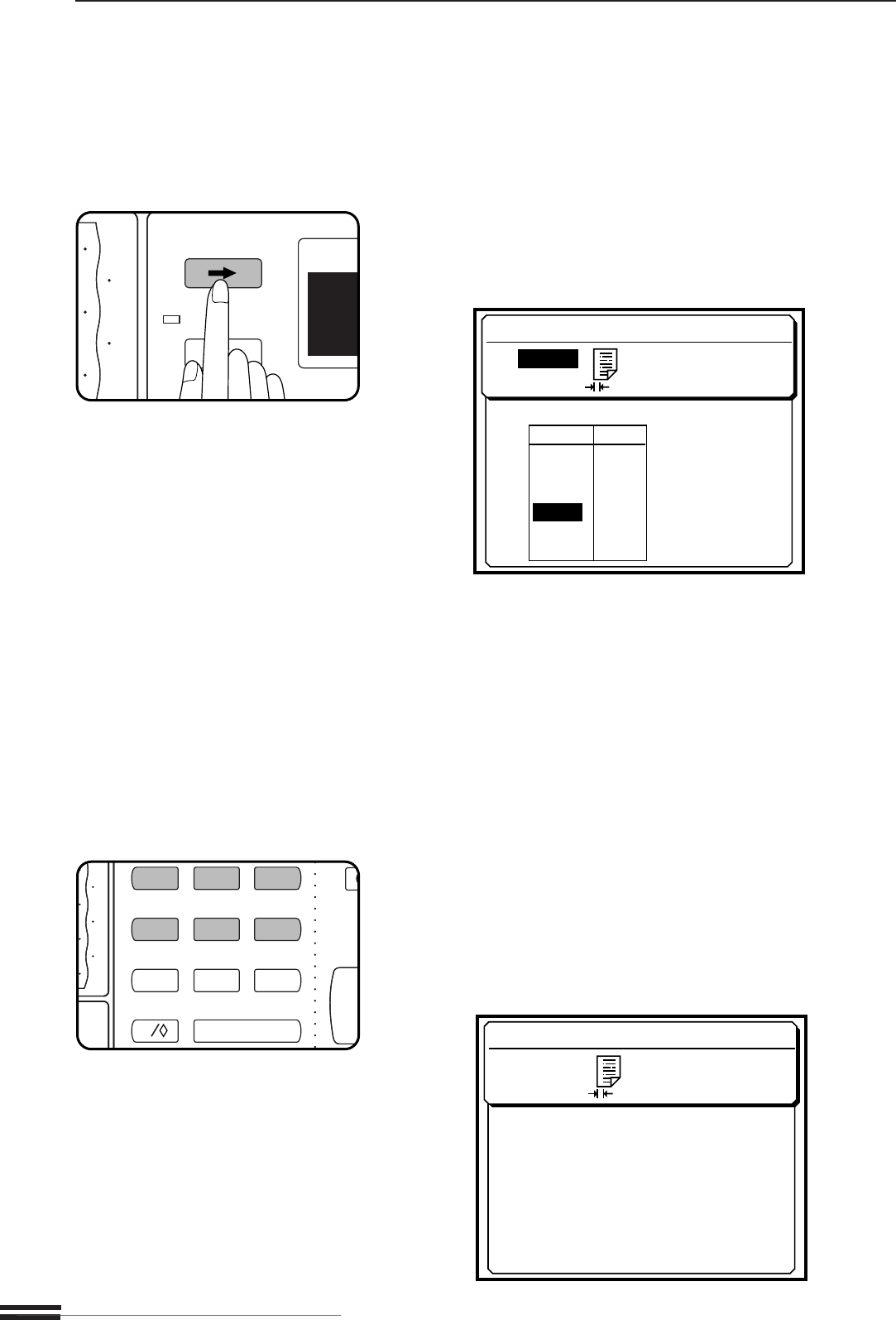
- MARGIN SHIFT 19
- SCROLL DISPLAY 20
- Storing a job program 22
- JOB MEMORY 23
- Deleting a stored job program 23
- Recalling a job program 23
- INTERRUPT 24
- ORDINARY PAPER 25
- SPECIAL PAPERS 25
- Loading copy paper 26
- 500-sheet paper drawer 26
- Paper size plate 27
- ADDING TONER 28
- USED TONER DISPOSAL 30
- STORAGE OF SUPPLIES 31
- A MISFEED HAS OCCURRED 32
- CLEAR INDICATED AREA 32
- INSTRUCTIONS 32
- MISFEED REMOVAL 33
- Misfeed in a paper tray 33
- Misfeed in the transport area 34
- Exit area cover 36
- Misfeed in the duplex module 37
- TROUBLE? 38
- Troubleshooting 38
- TROUBLESHOOTING 39
- Self-diagnostic function 39
- PART NAMES AND FUNCTIONS 40
- Interior 41
- Inch system 42
- USER MAINTENANCE 44
- MAINTENANCE REQUIRED 45
- SPECIFICATIONS 46
- OPTIONAL 48
- EQUIPMENT 48
- SYSTEM CONFIGURATION 50
- PART NAMES 51
- Specifications 51
- RADF (SF-A58) 52
- Using the RADF 52
- 20-bin sorter (SF-S15) 61
- 20-bin staple sorter (SF-S56) 61
- SORTER CAPACITIES 62
- 20-BIN STAPLE SORTER (SF-S56) 63
- Staple sort (SF-S56 only) 63
- Using the document glass 63
- Using the RADF 64
- Stapling location 65
- Staple cartridge replacement 66
- Staple jam removal 68
- 20-BIN SORTER (SF-S15) 70
- SF-S15 20-bin sorter 70
- Misfeed removal 70
- SF-S56 20-bin staple sorter 71
- SF-D24 SF-D23 76
- CONTENTS 79
- OPERATOR’S 79
- KEY OPERATOR PROGRAMS 80
- P10 Auditing Mode 84
- P13 Resetting Account 84
- To reset all accounts 85
- To reset a single account 85
- P14 Account Number Control 85
- To register accounts 85
- To delete accounts 86
- To change an account number 86
- P16 Account Limit Setting 87
- To set a limit 87
- To cancel a limit 88
- To cancel all limits 88
- P18 Account Number Security 88
- P20 Auto Exposure Adjust 89
- P21 Auto Power Shut-off Timer 89
- P22 Toner Save Mode 89
- P23 Auto Clear Setting 90
- P27 Erase Width Adjustment 91
- P29 Total Copy Count 92
- P28 Initial Status Setting 92
- P31 Preheat Mode Setting 93
- P45 Message Time Setting 94
- P46 Require Key Operator Code 94
- P47 Stream Feeding Mode 94
- P76 Disabling of Stapler 97
- P77 Disabling of Covers 97
- KEY OPERATOR ASSISTANCE CALL 100
- KEY OPERATOR CODE NUMBER: 101
- FACTORY SETTING 101
- PRINTED IN JAPAN 102
- SHARP CORPORATION 104
Related products and manuals for Copiers Sharp SF-461
 (12 pages)
(4 pages)
(40 pages)
(12 pages)
(12 pages)
(88 pages)
(117 pages)
(12 pages)
(56 pages)
(44 pages)
(12 pages)
(4 pages)
(40 pages)
(12 pages)
(12 pages)
(88 pages)
(117 pages)
(12 pages)
(56 pages)
(44 pages)

 (47 pages)
(160 pages)
(79 pages)
(36 pages)
(8 pages)
(16 pages)
(104 pages)
(6 pages)
(183 pages)
(28 pages)
(47 pages)
(160 pages)
(79 pages)
(36 pages)
(8 pages)
(16 pages)
(104 pages)
(6 pages)
(183 pages)
(28 pages)
© 2020, manymanuals.com. All rights reserved. | 0.032 s |
 Manymanuals.com
 Manymanuals.de
 Manymanuals.fr
 Manymanuals.it
 Manymanuals.pl
 Manymanuals.cz
 Manymanuals.es
 Manymanuals-pt.com
Comments to this Manuals