4
FAX interface cable and Line cable
These special accessories must be used with the device.
To reduce the risk of re, use only UL-Listed No.26 AWG or larger telecommunication line cord.
Notice for users in the UK
MAINS PLUG WIRING INSTRUCTIONS
The mains lead of this equipment is already tted with a mains plug which is either a non-rewireable (moulded) or a rewireable type. Should the fuse need to be replaced, a BSI or ASTA approved
fuse to BS1362 marked
or and of the same rating as the one removed from the plug must be used.
Always ret the fuse cover after replacing the fuse on the moulded plug. Never use the plug without the fuse cover tted.
In the unlikely event of the socket outlet in your home not being compatible with the plug supplied either cut-off the moulded plug (if this type is tted) or remove by undoing the screws if a rewireable
plug is tted and t an appropriate type observing the wiring code below.
DANGER: The fuse should be removed from the cut-off plug and the plug destroyed immediately and disposed of in a safe manner. Under no circumstances should the cut-off plug be inserted
elsewhere into a 13A socket outlet as a serious electric shock may occur.
To t an appropriate plug to the mains lead, follow the instructions below:
IMPORTANT: The wires in this mains lead are coloured in accordance with the following code:
GREEN-AND-YELLOW: Earth
BLUE: Neutral
BROWN: Live
As the colours of the wires in this mains lead may not correspond with coloured markings identifying the terminals in your plug, proceed as follows:
The wire which is coloured GREEN-AND-YELLOW must be connected to the terminal in the plug which is marked with the letter E, or by the safety earth symbol
, or coloured green or
greenand-yellow.
The wire which is coloured BLUE must be connected to the terminal which is marked with the letter N or coloured black.
The wire which is coloured BROWN must be connected to the terminal which is marked with the letter L or coloured red.
If you have any doubt, consult a qualied electrician.
WARNING: THIS APPARATUS MUST BE EARTHED.
EMC (this machine and peripheral devices)
Warning:
This is a Class A product. In a domestic environment this product may cause radio interference in which case the user may be required to take adequate measures.
This machine contains the software having modules developed by Independent JPEG Group.
This product includes Adobe
®
Flash
®
technology of Adobe Systems Incorporated.
Copyright© 1995-2007 Adobe Macromedia Software LLC. All rights reserved.
25
Forwarding all transmitted and received data to the administrator (document administration function)
This function is used to forward all data transmitted and received by the machine to a specied destination (Scan to E-mail address, Scan to FTP destination, Scan to Network
Folder destination, or Scan to Desktop destination).
This function can be used by the administrator of the machine to archive all transmitted and received data.
To congure the document administration settings, click [Application Settings] and then [Document Administration Function] in the [Settings mode] (Administrator-level access
privileges are required.)
• The format, exposure, and resolution settings of transmitted and received data remain in effect when the data is forwarded.
• When forwarding is enabled for data sent in fax mode,
• The [Direct TX] key does not appear in the touch panel.
• Quick online transmission and dialling using the speaker cannot be used.
Settings mode password
The administrator password is required to change the machine’s settings mode.
Settings mode can be changed from either the operation panel or using a computer
web browser. After setting up the machine, refer to [Settings mode] in the Operation
Guide (PC) to set a new password.
The same passwords are used for logging in from the operation panel and from a web browser. If
the administrator changes a password, that password will be effective when logging in from both the
operational panel and a web browser.
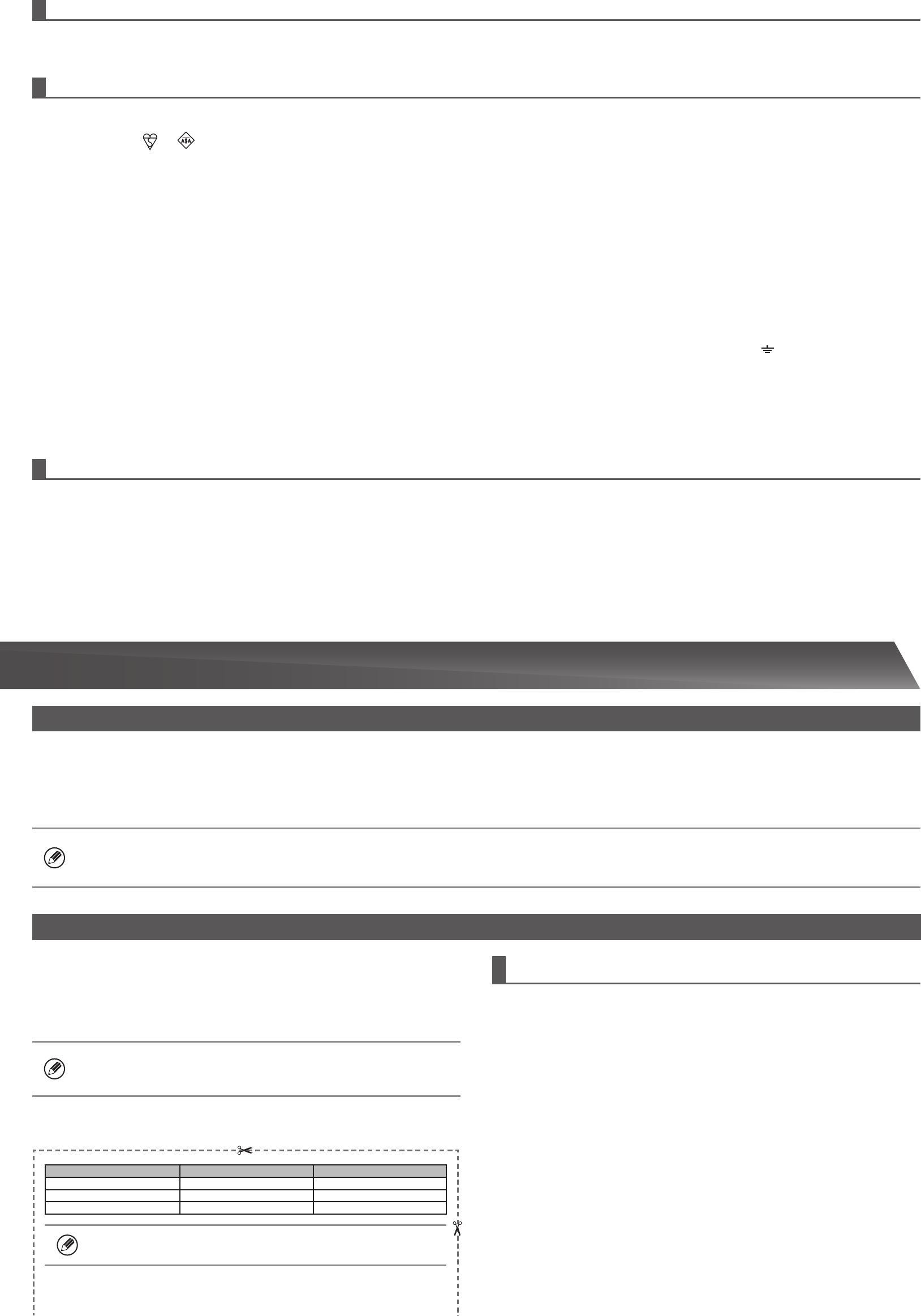
Account Password
User users users
Administrator admin admin
System Administrator sysadmin sysadmin
Please take care not to forget newly set administrator passwords.
Password for logging in from a computer
There are three accounts that can log in from a web browser: “Administrator”,
“System Administrator” and “User”. The factory default passwords for each account
are shown on the below. Logging in as an “Administrator” or “System Administrator”
will allow you to manage all the settings available via web browser.
(Cut along the dotted line and keep in a safe place.)
TO THE ADMINISTRATOR OF THE MACHINE

 (92 pages)

 (47 pages)
 Manymanuals.com
 Manymanuals.de
 Manymanuals.fr
 Manymanuals.it
 Manymanuals.pl
 Manymanuals.cz
 Manymanuals.es
 Manymanuals-pt.com
Comments to this Manuals