Sharp MX-4500N User Manual
Browse online or download User Manual for Copiers Sharp MX-4500N. MX-4501N/3501N/4500N/3500N Brochure GB
- Page / 12
- Table of contents
- BOOKMARKS

- ADVANCE YOUR BUSINESS WITH 1
- SECURE, MULTIFUNCTION COLOUR 1
- SCAN FAX FILE 3
- USB memory 4
- Jewellery 5% off 5
- Sportswear 10% off 5
- Cosmetics 15% off 5
- CONFIDENTIAL 6
- DO NOT COPY 6
- TOP SECRET 6
- Printer Status Monitor 9
- Job Status screen 9
- Web-based PAU 4.0 9
- PRINT COPY 10
- SCAN FAX 11
- MX-4501N/MX-3501N 12
- MX-4500N/MX-3500N 12
Summary of Contents
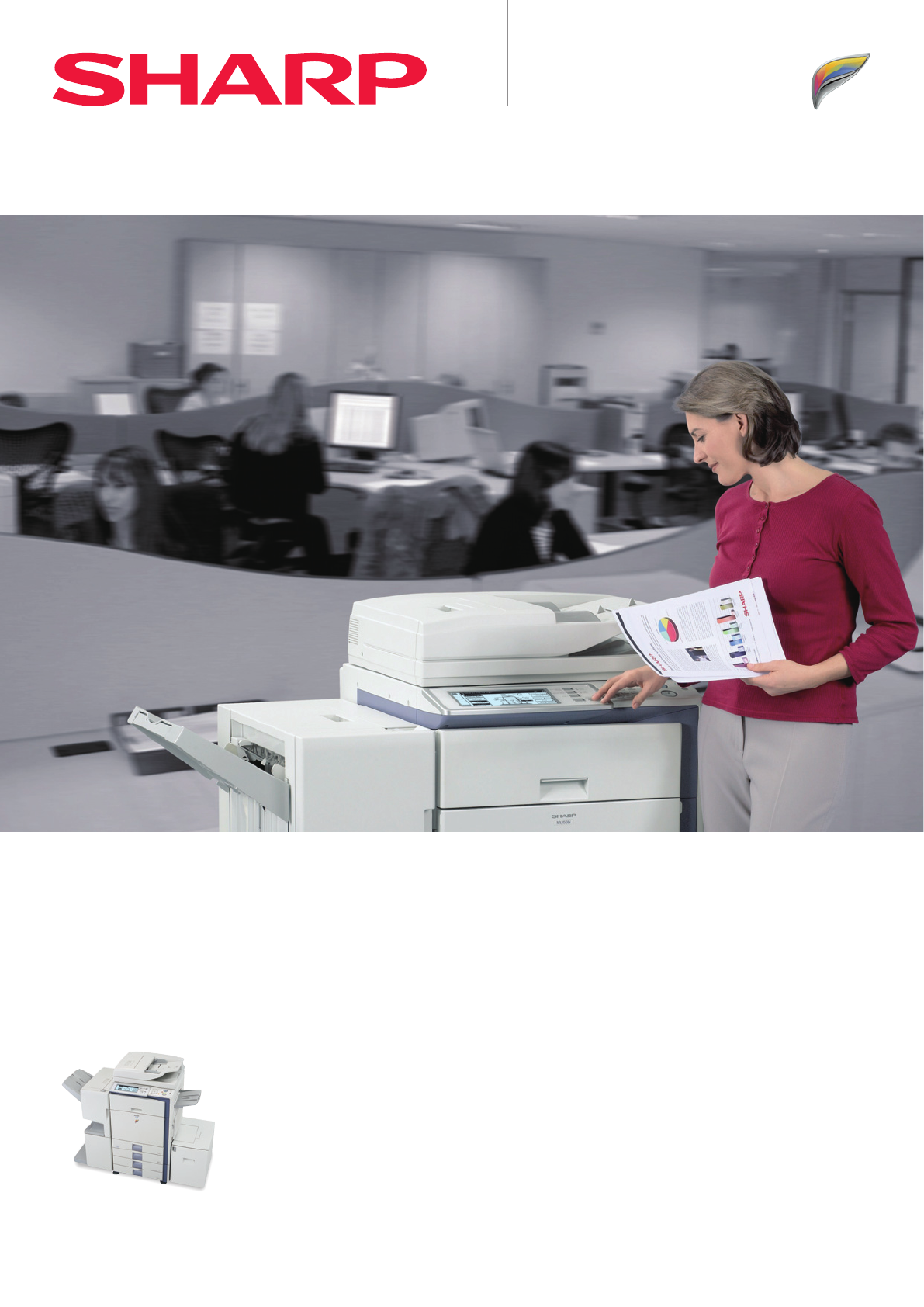
SHARP DOCUMENT SOLUTIONSADVANCE YOUR BUSINESS WITH SECURE, MULTIFUNCTION COLOURMX-4501N/MX-3501NMX-4500N/MX-3500NDigital Full Colour Multifunctional S
at a glance... !Unknown IP or MAC addresses will be denied accessMacintoshEthernet (10Base-T/100Base-TX)Windows® 98/MeWindows® 2000/XPData EraseERASED
* 665 mm with tray extended. (MX-4501N shown with options)670 mm1,220 mm (MX-4501N/MX-3501N)1,210 mm (MX-4500N/MX-3500N)1,540 mm555 mm*370 mm615 mmOPT
MX-4501N/MX-3501NMX-4500N/MX-3500NDigital Full Colour Multifunctional SystemDesign and specifications are subject to change without prior notice. All
The MX-45/35 series utilises upgraded versions of Sharp’s award-winning software solutions for data security and file management. WORLD COLOUR TV SYST
KEY FEATURESSCAN FAX FILEEnvironment and User-Friendly• Newly developed, environmentally conscious supplies• Industry-leading energy-saving design (le
A Variety of Job Finishing OptionsVarious Applicationsat a glance... !Saddle stitch finisherHole punchingStaplingSaddle stitchingCarbon copy printPLAN
at a glance... !Variable dataMaster data(non-variable)+Cosmetics 15% offSALESALEJewellery 5% offSALESportswear 10% offSALECosmetics 15% off Jewellery
Original with colour and black & white pagesDistinguishes colour and black & white pagesOutputs colour pages in Colour Mode and black & wh
SCANNetwork folder Client PCsFaxE-mail attachmentFTP serverINTERNETSCAN TO E-MAIL SCAN TO FTPSCAN TO DESKTOPSCAN TO FAXSCAN TO NETWORK FOLDERUSB memor
Processed job data Save to HDD ReuseQUICK FILEFOLDERMAINFOLDERCUSTOMFOLDERRESEND REPRINTCOPY PRINT SCAN FAX PC-FAXHDDDocument Filing keyDocument Filin
Printer Status MonitorWordExcelPDFPowerPoint®Scanned imageComposeStoreViewSearch EditPrintPC-FaxE-mailOCRICT*etc.Search screenJob Status screenWeb-bas
More documents for Copiers Sharp MX-4500N

Related products and manuals for Copiers Sharp MX-4500N
 (88 pages)
(117 pages)
(12 pages)
(56 pages)
(44 pages)
(88 pages)
(117 pages)
(12 pages)
(56 pages)
(44 pages)

 (47 pages)
(160 pages)
(79 pages)
(36 pages)
(8 pages)
(16 pages)
(104 pages)
(6 pages)
(183 pages)
(28 pages)
(90 pages)
(108 pages)
(16 pages)
(102 pages)
(116 pages)
(47 pages)
(160 pages)
(79 pages)
(36 pages)
(8 pages)
(16 pages)
(104 pages)
(6 pages)
(183 pages)
(28 pages)
(90 pages)
(108 pages)
(16 pages)
(102 pages)
(116 pages)
© 2020, manymanuals.com. All rights reserved. | 0.017 s |
 Manymanuals.com
 Manymanuals.de
 Manymanuals.fr
 Manymanuals.it
 Manymanuals.pl
 Manymanuals.cz
 Manymanuals.es
 Manymanuals-pt.com
Comments to this Manuals