Sharp CE-LK2 User Manual Page 12
- Page / 34
- Table of contents
- BOOKMARKS

- OPERATION GUIDE 1
- Introduction 2
- Changing the keyboard 3
- Basic operation 4
- Equation editor 6
- NotesKey Operation 7
- Slide show 8
- Graphing procedures 10
- Extra Options 11
- Main Unit 12
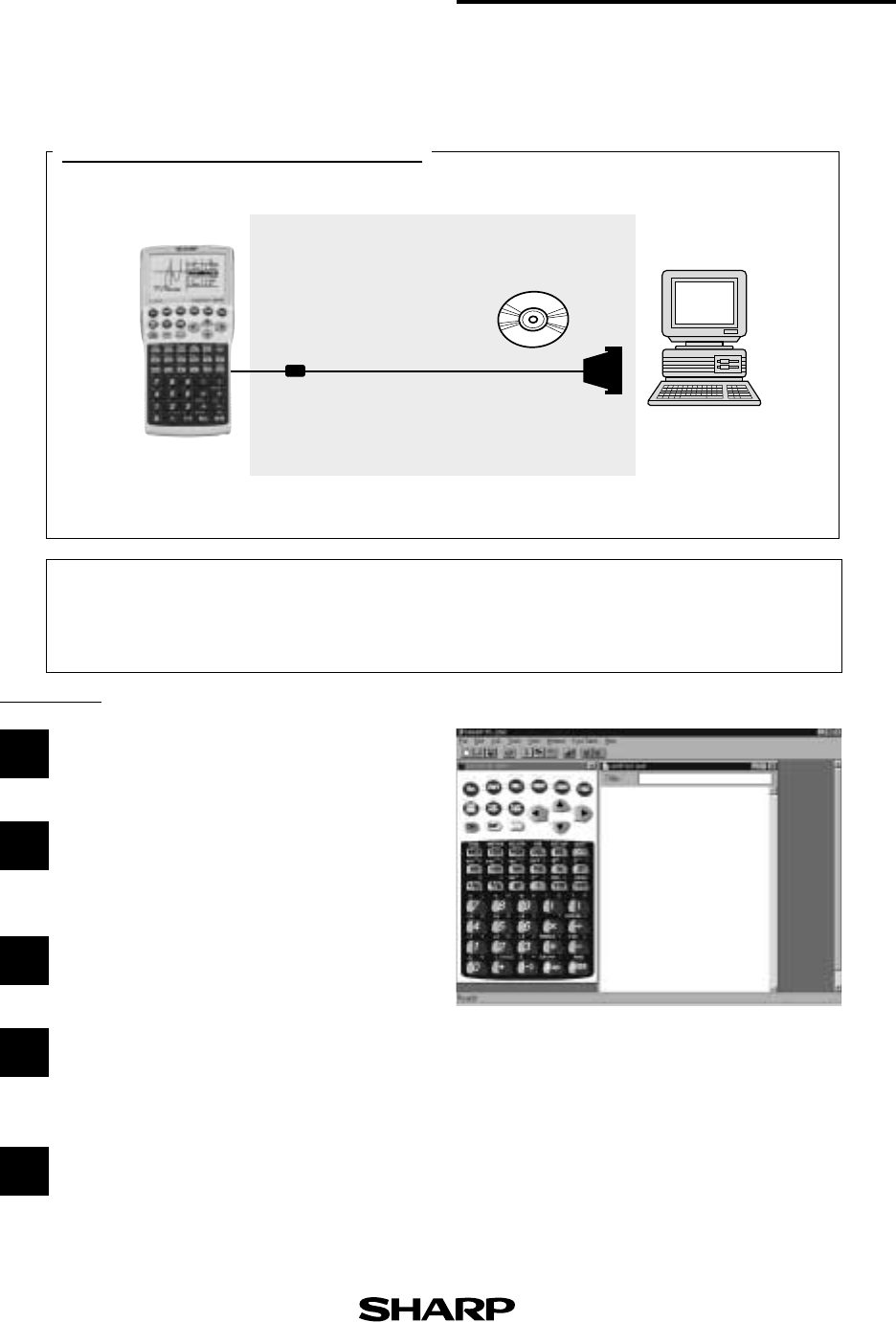
- CE-LK2(PC-link system) 12
- Set to set communication 13
- OHP System 14
- List of Menu/Sub-menu Items 15
- 2. LIST menus 17
- 3. STAT menus 19
- 4. STAT PLOT menus 21
- 5. DRAW menus 22
- 6. ZOOM menus 23
- 7. CALC menus 25
- 8. SLIDE SHOW menus 26
- 9. PRGM menus 26
- 10. MATRIX menus 29
- 11. FINANCE menus 30
- 12. TOOL menus 31
- 13. SOLVER menus 32
- Specifications 33
- SHARP CORPORATION 34
- OSAKA, JAPAN 34
- Distributed by: 34
Related products and manuals for Calculators Sharp CE-LK2

 (40 pages)

 (60 pages)
  (48 pages)
© 2020, manymanuals.com. All rights reserved. | 0.063 s |
 Manymanuals.com
 Manymanuals.de
 Manymanuals.fr
 Manymanuals.it
 Manymanuals.pl
 Manymanuals.cz
 Manymanuals.es
 Manymanuals-pt.com
Comments to this Manuals