Sharp 54GS-61S User Manual
Browse online or download User Manual for Televisions Sharp 54GS-61S. Sharp 54GS-61S User Manual
- Page / 32
- Table of contents
- BOOKMARKS

- 54GS-61S 1
- 70GS-61S 1
- Features list 2
- Quick reference Guide 3
- BACK OF VCR 4
- BACK OF TV 4
- Remote control 5
- VIDEO AUDIO 6
- L/S/G/I R/S/G/I 6
- Auto Installation 7
- Change name 8
- Stored programmes menu 8
- Sort channels 8
- Delete channels 8
- TV Operation 10
- Audio Adjustments 11
- Other Features 12
- VCR Mode 12
- Menu Structures 13
- Picture Adjustments 14
- Sound Setting Mode 15
- MAIN Menu 16
- FEATURES Menu - LANGUAGE 16
- DEMO (Demonstration) 17
- Language 18
- TUNE Menu 19
- FINE TUNE Menu 21
- TELETEXT - Mode 22
- 400300200100 24
- 400425200100 24
- Child Lock (Channel Block) 25
- LOCK PROGRAMME menu 26
- CLEAR LOCK menu 26
- 21-pin Euro-SCART (RGB) 27
- Check List 29
- PRINTED IN SPAIN 32
- TINS-XXXXBMN0 32
Summary of Contents
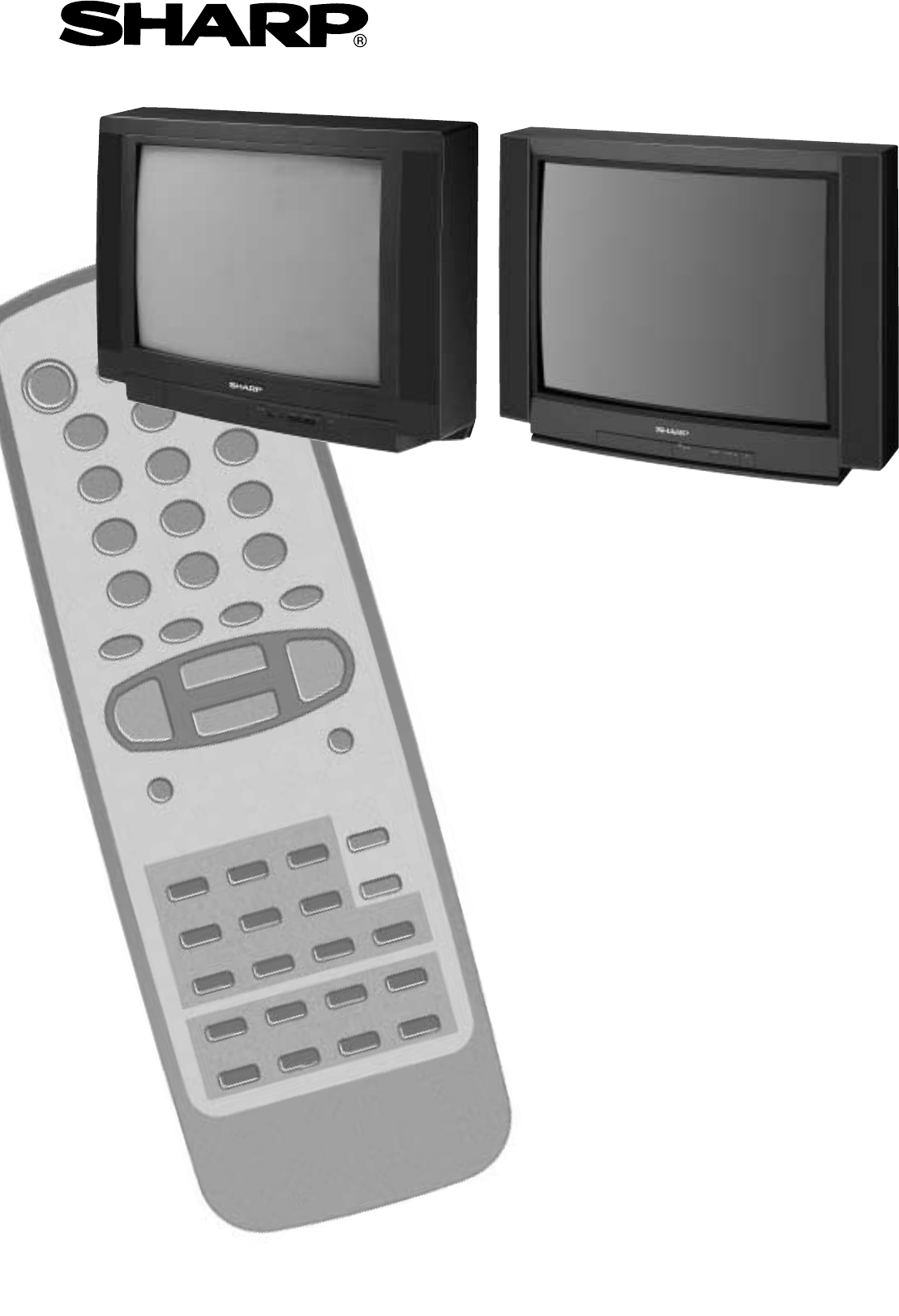
COLOUR TELEVISIONOPERATION MANUAL54GS-61S70GS-61S
9TV OperationChannel Selection Channel selector (CH /\/CH V) buttonsSelect the programme channel number you want to see, using the channelselector bu
10 Loudspeakers Sound Volume (C/I)Use the C/I buttons to increase/decrease the volume level. The volume indicatorwill appear on the screen.Note: To
11 TV/Video selector button (TV/VIDEO)With this button you can select either source of input for the TV.1. When the TV/VIDEO button is pressed, the
12Main Menu Button Menu Functions / OptionsMenu StructuresThis TV set has: a MAIN MENU with four basic menus, which permitaccess to the different func
13Picture quality: CONTRAST, COLOUR, BRIGHTNESS, SHARPNESS, NOR-MALISE, TINT CONTROL and ECO MODE are adjustable in this menu.1. Press the MENU button
14Sound quality (VOLUME, BASS, TREBLE, BALANCE, NORMALISE, SOUND MODE, SPATIAL EXPANDER and A.S.L.)are adjustable in this menu.1. Press the MENU butto
15In this mode you can select a LANGUAGE for screen menus, set the ON-TIMER an OFF-TIMER, view the all functions implemented in your TV setdemonstrati
16DEMO (Demonstration)OFF TIMERThe OFF TIMER automatically switches the TV set to standby mode aftera predetermined period, (30, 60, 90 or 120 minutes
17Auto Channel Preset with Sorting (ACSS: Automatic Channel Sorting System)This function frees you of troublesome channel presetting procedures.Simply
18Manual Channel Preset (PRESET USING REAL CHANNEL NUMBERS)1. Depending on the programme channel you want to preset, pressthe 6 button to select singl
1Congratulations! You are now the proud owner of a SHARP Colour Television Receiver. To ensure proper operation,, ple-ase read this manual carefully.
1. Depending on the programme channel you want to preset, pressthe 6 button to select single / double digit entry.2. Select the programme channel numb
20The following features are available for preset channels: FINE TUNINGWhen a preset programme channel is not exactly tuned, you can fine tune thecha
What is Teletext?Teletext is an information service, organized like a magazine, which is providedby some television stations in addition to regular
22 TEXT/MIX button (a/b)Every time this button is pressed, the Teletext is displayed in different modes, following the sequence described:In TV mode:
23Advanced TEXT operation - LIST mode -b) Fast Page Selection - LIST mode -1.Select the appropriate programme channel.2.Press the TEXT/MIX (a/b) butto
24You can lock a TV channel to prevent unsupervised TV viewing by following these procedures; the protection can applyto the television itself "L
25LOCK PROGRAMMESelect this option to protect the access to separate programmes1. Press the TV button , to clear the on-screen display.2. Select th
2621-pin Euro-SCART (RGB)21-pin Euro-SCART and 21-pin Audio/Video1. Audio right output2. Audio right input3. Audio left output4. Common earth for audi
27Typical connection (Videorecorder/Decoder) through the 21-pin Euro-SCARTPlease refer to the operation manual of your VCR for detailsRF inRF inVCRRF
Possible Causes/RemediesQuickServiceCheck ListProblemsRemote control does not work ●● ● ●Bars on screen ●●Picture distorted ●● ●Picture rolls vertica
2Quick reference GuideRemote Control Battery InstallationAntena connections -TV set only -Einlegen der Batterien1. Nehmen Sie den Deckel ab und setzen
29GENERAL SPECIFICATIONS FOR TELEVISION RECEIVERModel: 54GS-61S, 70GS-61S1. Receiving Broadcast Standard CCIR TV Standard system B/G, PAL2. Receiving
30Index21-pin Audio/Video . . . . . . . . . . . . . . . . . . . . . . . . . 2621-pin Euro-SCART (RGB) . . . . . . . . . . . . . . . . . . . 26AAcces
SHARP ELECTRONICS (EUROPE) GmbHSonninstraße 3, 20097 Hamburg, GermanySHARP ELECTRONICA ESPAÑA, S.A.Polígono Industrial Can Sant JoanSant Cugat del Val
3Antenna connections - VCR and TV -Mains Socket OutletAC 220~240 V, 50 HzMains Socket OutletAC 220~240 V, 50 HzAerial Cable(Not supplied)SCART Lead(No
4Remote controlTV 1. Stand-by ON/OFF switch (TV)Video 2. Power ON / OFF switch (VCR)TV 3. Digit buttons 0 ~ 94. Flashback buttonTeletext 5. Colour but
5FRONT TV 1. Main PowerOn/Off Switch2. Power Indicator3. Program Selector(UP/DOWN)4. Volume Buttons(UP/DOWN)5. Remote Control Sensor6. Sound Indicator
6Auto Installation SystemYour television set is provided with an Automatic Installation System whichmakes Installation easier.This new system is activ
7Stored programmesWhen the TV has finished the automatic search, the "Stored programmes"menu will appear on screen with a list of the channe
8Switching onPower supply on/off buttonThis TV memorizes the Mode last used when it was switched off. When the main power button (l) is pressed to tu
Related products and manuals for Televisions Sharp 54GS-61S
 (101 pages)
(57 pages)
(45 pages)
(45 pages)
(38 pages)
(70 pages)
(104 pages)
(69 pages)
(50 pages)
(101 pages)
(57 pages)
(45 pages)
(45 pages)
(38 pages)
(70 pages)
(104 pages)
(69 pages)
(50 pages)

 (58 pages)
(60 pages)
(49 pages)
(35 pages)
(59 pages)
(48 pages)
(58 pages)
(60 pages)
(49 pages)
(35 pages)
(59 pages)
(48 pages)
© 2020, manymanuals.com. All rights reserved. | 0.030 s |
 Manymanuals.com
 Manymanuals.de
 Manymanuals.fr
 Manymanuals.it
 Manymanuals.pl
 Manymanuals.cz
 Manymanuals.es
 Manymanuals-pt.com
Comments to this Manuals