Sharp R-402JW Service Manual
Browse online or download Service Manual for Microwaves Sharp R-402JW. Sharp R-402JW Service manual User Manual
- Page / 40
- Table of contents
- TROUBLESHOOTING
- BOOKMARKS

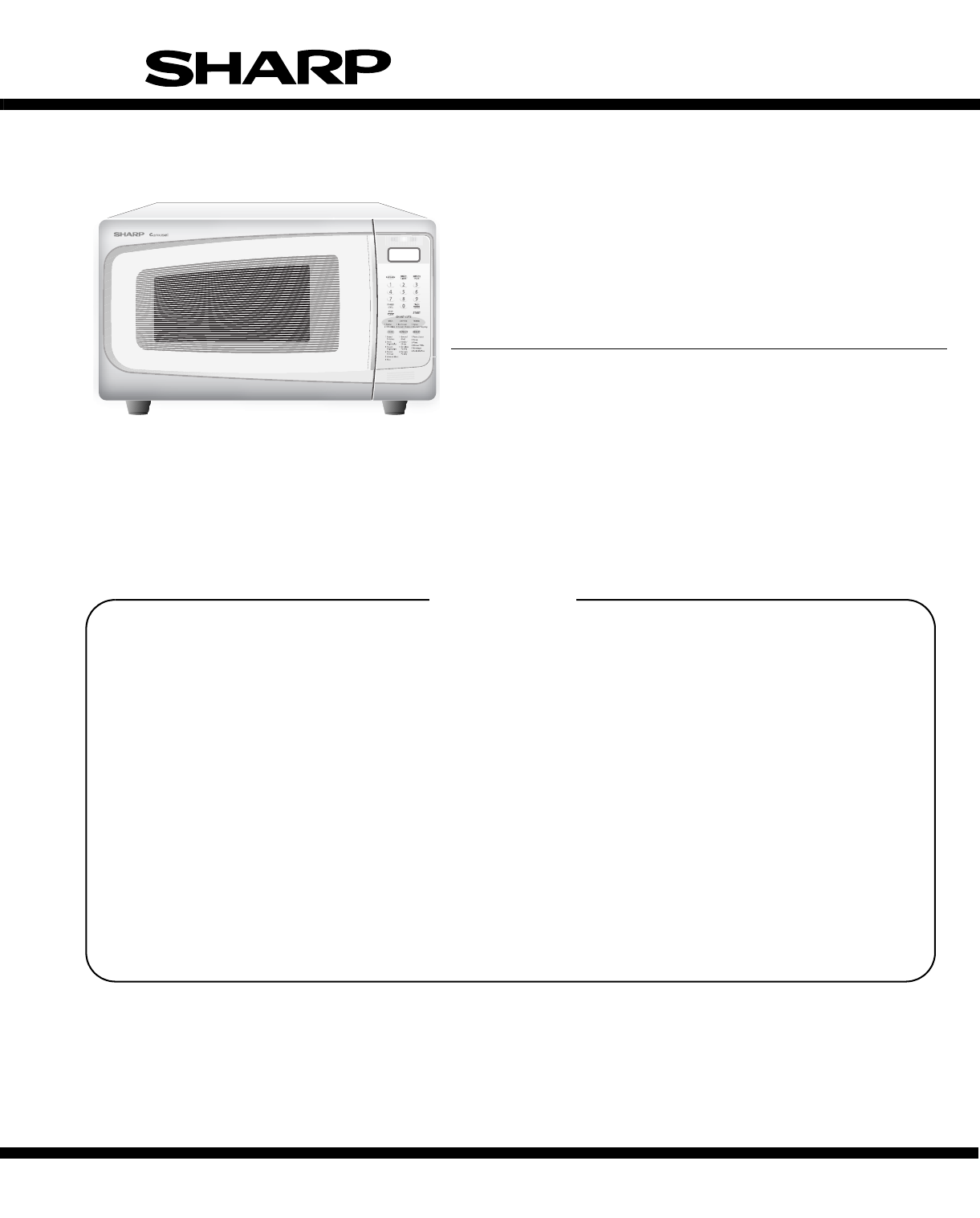
- R-402JK-T 1
- R-402JW-T 1
- SERVICE MANUAL 1
- CONTENTS 2
- BEFORE SERVICING 3
- Don't Touch ! 4
- Danger High Voltage 4
- [1] Requirements: 5
- [2] Preparation for testing: 5
- [3] Leakage test: 5
- [1] FOREWORD 6
- [2] WARNING 6
- [3] DANGER 6
- [1] SPECIFICATIONS 7
- [1] GROUNDING INSTRUCTIONS 8
- [2] OVEN DIAGRAM 8
- 2. TOUCH CONTROL PANEL 9
- CHAPTER 6. OPERATION 10
- [2] OVEN SCHEMATIC 11
- Service Manual 13
- [1] TROUBLESHOOTING CHART 13
- CHAPTER 8. TEST PROCEDURES 14
- 1. DOOR SENSING SWITCH 16
- 1. Key Unit 17
- 2. Control Unit 17
- 4. When testing is completed 18
- [13] Procedure L: RELAY TEST 19
- [2] DESCRIPTION OF LSI 21
- 16.7 msec 22
- 3. Servicing Tools 24
- 4. Other Precautions 24
- [3] Soldering 25
- WARNING: 26
- WARNING AGAINST HIGH VOLTAGE: 26
- WARNING FOR WIRING 26
- Special screw 27
- Screw Driver 27
- (Type: TORX T20 H or 27
- GTXH20-100) 27
- [6] OVEN LAMP REMOVAL 28
- [10] TURNTABLE MOTOR REMOVAL 29
- ADJUSTMENT 30
- [14] DOOR REPLACEMENT 30
- 2. REINSTALLATION 31
- 4. SEALER FILM 31
- CHAPTER 12. CIRCUIT DIAGRAMS 32
- KEY UNIT 33
- PARTS LIST 35
- [1] OVEN PARTS 36
Summary of Contents
PRECAUTIONS TO BE OBSERVED BEFORE ANDDURING SERVICING TO AVOID POSSIBLE EXPO-SURE TO EXCESSIVE MICROWAVE ENERGYCHAPTER 1. WARNING TO SERVICE PERSONNEL
R402JWT6 – 1R402JWTService Manual CHAPTER 6. OPERATION[1] DESCRIPTION OF OPERATING SEQUENCE The following is a description of component functions duri
R402JWT6 – 2[2] OVEN SCHEMATIC1. Off Condition Figure O-1. Oven Schematic
R402JWT6 – 3[3] DESCRIPTION AND FUNCTION OF COMPONENTS1. DOOR OPEN MECHANISMThe door is opened by pushing the open button on the control panel,refer t
R402JWT7 – 1R402JWTService Manual CHAPTER 7. TROUBLESHOOTING GUIDE When troubleshooting the microwave oven, it is helpful to follow the Sequence of Op
R402JWT8 – 1R402JWTService Manual CHAPTER 8. TEST PROCEDURES[1] Procedure A: MAGNETRON ASSEMBLY TEST1. Disconnect the power supply cord, and then remo
R402JWT8 – 25. Reconnect all leads removed from components during testing.6. Reinstall the outer case (cabinet).7. Reconnect the power supply cord aft
R402JWT8 – 3[7] Procedure F: SECONDARY INTERLOCK SYSTEM TEST1. DOOR SENSING SWITCH1. Disconnect the power supply cord, and then remove outer case.2. O
R402JWT8 – 43. Discharge high voltage capacitor.4. If the monitor fuse is blown when the door is opened, check the primary interlock switch, secondary
R402JWT8 – 5b) When touching the pads, no pads produce a signal.2) In connection with indicatorsa) At a certain digit, all or some segments do not lig
R402JWT8 – 6[13] Procedure L: RELAY TEST1. Disconnect the power supply cord, and then remove outer case.2. Open the door and block it open.3. Discharg
CONTENTSPRECAUTIONS TO BE OBSERVED BEFORE ANDDURING SERVICING TO AVOID POSSIBLE EXPO-SURE TO EXCESSIVE MICROWAVE ENERGYBEFORE SERVICINGCHAPTER 1. WARN
R402JWT8 – 75) Make a visual inspection of the varistor. Check for burned damage and examine thetransformer with a tester for the presence of layer sh
R402JWT9 – 1R402JWTService Manual CHAPTER 9. TOUCH CONTROL PANEL ASSEMBLY[1] OUTLINE OF TOUCH CONTROL PANEL The touch control section consists of the
R402JWT9 – 218 P50 OUTMagnetron high-voltage circuit driving signal.To turn on and off the cook relay (RY2). The signals holds “L” level during microw
R402JWT9 – 356-72 SEG16-SEG0 OUTSegment data signal.Connected to LCD. The relation between signals are as follows:LSI signal (Pin No.) LCD (seg
R402JWT9 – 4[3] SERVICING FOR TOUCH CONTROL PANEL1. Precautions for Handling Electronic ComponentsThis unit uses CMOS LSI in the integral part of the
R402JWT10 – 1R402JWTService Manual CHAPTER 10. PRECAUTIONS FOR USING LEAD-FREE SOLDER[1] Employing lead-free solderThe “Main PWB” of this model employ
R402JWT11 – 1R402JWTService Manual CHAPTER 11. COMPONENT REPLACEMENT AND ADJUSTMENT PROCE-DURE[1] WARNINGSPlease refer to “OVEN PARTS, CABINET PARTS,
R402JWT11 – 2[2] OUTER CASE REMOVALTo remove the outer case, procedure as follows.1. Disconnect the power supply cord.2. Open the oven door and block
R402JWT11 – 33. Hold the chassis support to the oven cavity front plate and the mag-netron with the two (2) screws.4. Reconnect the wire leads to the
R402JWT11 – 4 Back light PWB installationCAUTION: When the back light PWB is installed into the square holeof the c
R402JWTiR402JWTService Manual PRECAUTIONS TO BE OBSERVED BEFORE AND DURING SERVICING TO AVOIDPOSSIBLE EXPOSURE TO EXCESSIVE MICROWAVE ENERGYBEFOR SERV
R402JWT11 – 5[12] DOOR SENSING SWITCH/PRIMARY INTERLOCK SWITCH AND MONITOR SWITCHREMOVAL1. REMOVAL1. Disconnect the power supply cord and remove outer
R402JWT11 – 63. Insert a putty knife (thickness of about 0.5mm) into the gapbetween the door stopper and the choke cover to free engagingparts as show
R402JWT12 – 1R402JWTService Manual CHAPTER 12. CIRCUIT DIAGRAMS[1] Pictorial Diagram (Figure S-1)Figure S-1. Pictorial DiagramHIGHVOLTAGECAPACITORH.V.
R402JWT12 – 2[2] Control Panel Circuit (Figure S-2)Figure S-2. Control Panel Circuit LCD (RLCDSA155DR ZZ)R6815KR6915KR7015K15KR7215KR74㨪R78:270Kx5C60㨪
R402JWT12 – 3[3] Printed Wiring Board (Figure S-3)Figure S-3. Printed Wiring Board
PARTS LISTSHARP CORPORATIONThis document has been published to be usedfor after sales service only.The contents are subject to change without notice.R
R402JWT 2[1] OVEN PARTS2-11-64-156-34-134-116-41-104-34-54-76-26-12-27-11-124-107-37-34-11-137-97-57-67-87-84-47-101-54-87-71-41-44-67-84-21-91-82-32-
R402JWT3NO. PARTS CODEPRICE RANKNEW MARKPART RANKDESCRIPTION[1] OVEN PARTSELECTRIC PARTS1-1 FPWBFA417WRKZ AYNoise filter assembly1-1 FPWBFA389WRKZ AWN
R402JWT 4[2] DOOR & CONTROL PANEL PARTSActual wire harness may be different from illustration.6-66-55-65-75-35-43-56-73-43-33-25-15-25-55-83-13-1-
R402JWT5NO. PARTS CODEPRICE RANKNEW MARKPART RANKDESCRIPTION[2] DOOR & CONTROL PANEL PARTSCONTROL PANEL PARTS3-1 FPNLCB902WRKZ BAPanel sub assembl
R402JWT1 – 1R402JWTService Manual CHAPTER 1. WARNING TO SERVICE PERSONNELMicrowave ovens contain circuitry capable of producing very high voltage and
R402JWT6INDEXPARTS CODE No.PRICE RANKNEW MARKPART RANK[ D ]DPWBFC531WRKZ 2-3-4 BK[ F ]FACCDA083WRE0 1-1-7 AQFACCDA085WREZ 1-1-7 AQFACCDA103WREZ 1-1-7
R402JWT2 – 1R402JWTService Manual CHAPTER 2. MICROWAVE MEASUREMENT PROCEDURE[1] Requirements:1. Microwave leakage limit (Power density limit): The pow
R402JWT3 – 1R402JWTService Manual CHAPTER 3. FOREWORD AND WARNING[1] FOREWORDThis Manual has been prepared to provide Sharp Electronics Corp. Service
R402JWT4 – 1R402JWTService Manual CHAPTER 4. PRODUCT DESCRIPTION[1] SPECIFICATIONSITEM DESCRIPTIONPower Requirements120 Volts 60 HertzSingle phase, 3
R402JWT5 – 1R402JWTService Manual CHAPTER 5. GENERAL INFORMATION[1] GROUNDING INSTRUCTIONSThis oven is equipped with a three prong grounding plug. It
R402JWT5 – 22. TOUCH CONTROL PANELNOTE: Some one-touch cooking features such as “MINUTE PLUS” are disabled after three minutes when the oven is not in
More documents for Microwaves Sharp R-402JW

Related products and manuals for Microwaves Sharp R-402JW
 (60 pages)
(40 pages)
(44 pages)
(60 pages)
(40 pages)
(44 pages)
 (2 pages)
(123 pages)
(24 pages)
(16 pages)
(24 pages)
(44 pages)
(8 pages)
(48 pages)
(36 pages)
(36 pages)
(2 pages)
(123 pages)
(24 pages)
(16 pages)
(24 pages)
(44 pages)
(8 pages)
(48 pages)
(36 pages)
(36 pages)
 (8 pages)
(44 pages)
(16 pages)
(12 pages)
(10 pages)
(24 pages)
(8 pages)
(44 pages)
(16 pages)
(12 pages)
(10 pages)
(24 pages)
© 2020, manymanuals.com. All rights reserved. | 0.037 s |
 Manymanuals.com
 Manymanuals.de
 Manymanuals.fr
 Manymanuals.it
 Manymanuals.pl
 Manymanuals.cz
 Manymanuals.es
 Manymanuals-pt.com
Comments to this Manuals